

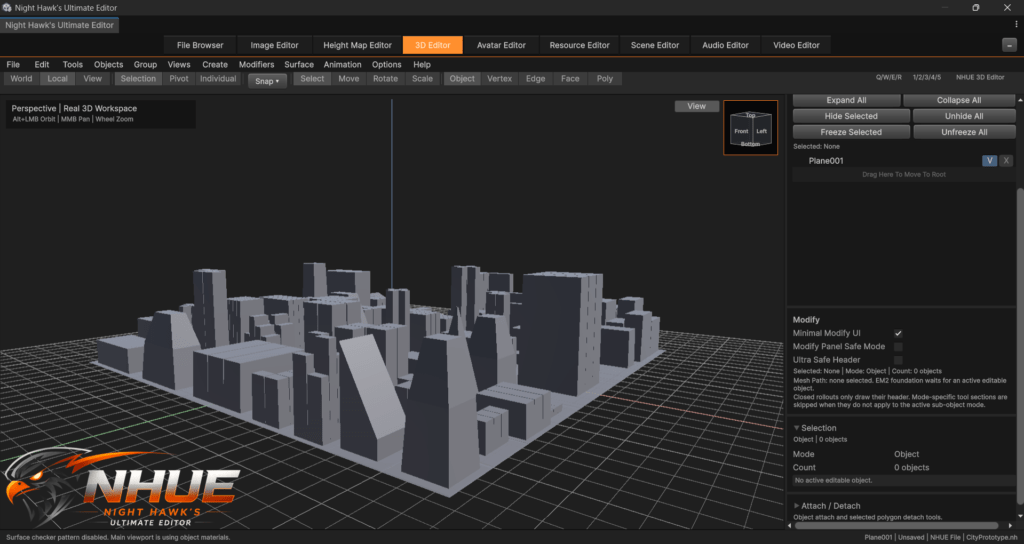
Building the Future of Modeling in NHUE
I’ve been working on one of the biggest upgrades for Night Hawk’s Ultimate Editor so far: the new Editable Mesh 2.0 system.
This is a major step for the 3D Editor because it lays the groundwork for a much stronger modeling workflow inside NHUE. The goal is simple: I want NHUE to feel powerful, smooth, and fun to model, while still retaining its own identity.
This update was focused on one of my favorite modeling tools of all time:
Extrude
Extrude has always been one of those tools that makes modeling feel alive. You select a face, pull it out, and suddenly a simple shape starts turning into something more interesting. Walls, panels, spikes, armor, buildings, props, sci-fi parts — so much modeling starts with extrude.
That is why I wanted Extrude 2.0 to be the first real modeling tool built for Editable Mesh 2.0.
Cleaner Geometry
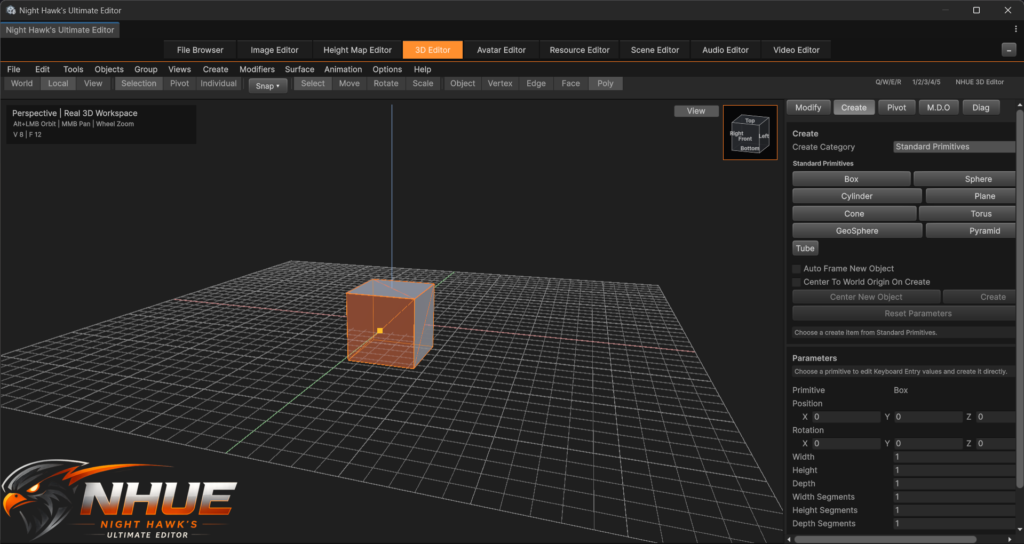
One of the first things I noticed while testing Extrude 2.0 is that the new caps look much cleaner than the older extrusion system.
The old system worked, but because it was built on the older mesh setup, the result could sometimes have extra triangle-looking pieces in the center of the extruded face. With the new system, the extruded panel looks cleaner and smoother. It feels more like the kind of geometry I want NHUE to create going forward.
That might sound like a small detail, but it matters. Clean modeling tools make everything else better later.
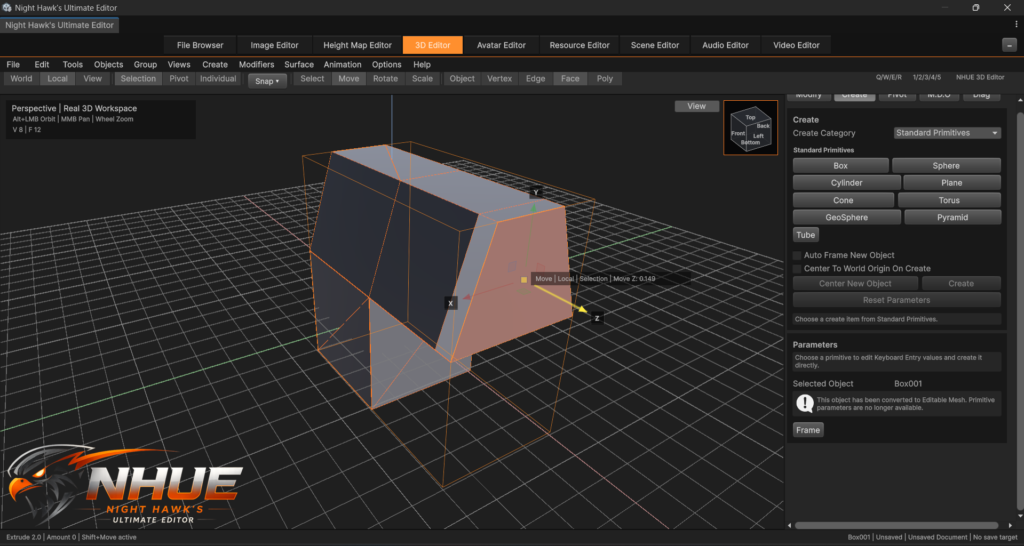
Shift + Drag Extrude
One of the big things I wanted was a fast modeling workflow inspired by the way I like working in 3D modeling programs.
Now, with Editable Mesh 2.0, the idea is:
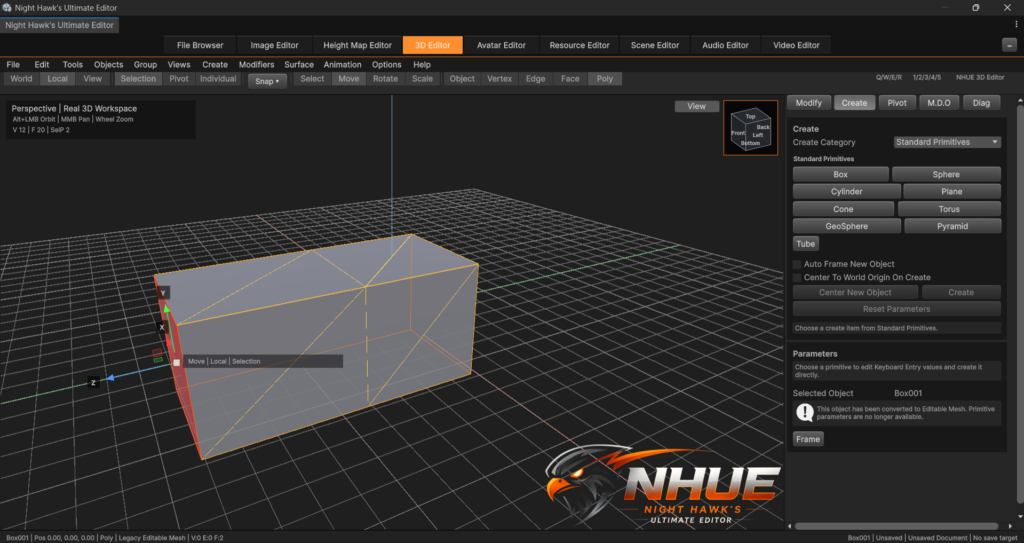
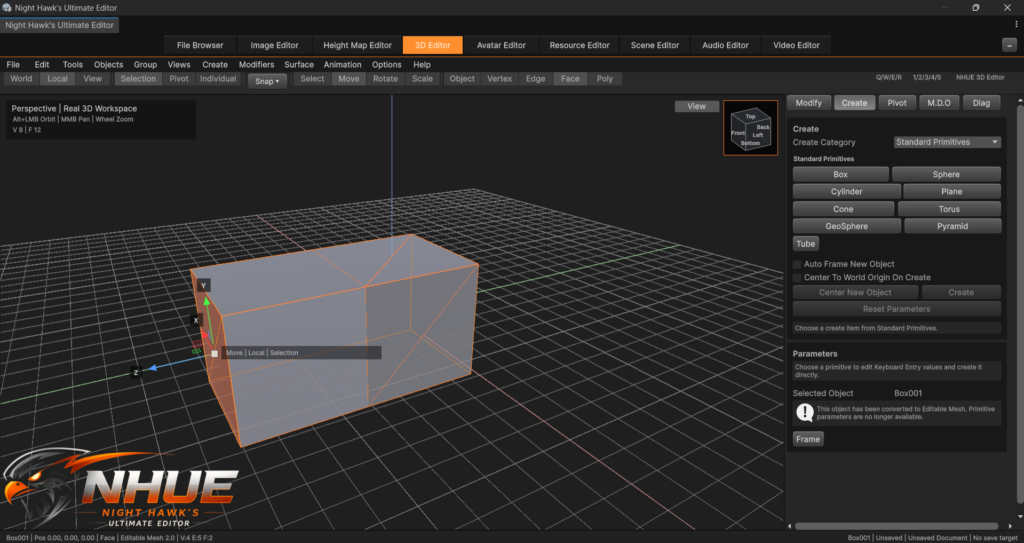
Hold Shift + drag the Move tool = Extrude
That makes extruding feel fast and natural. You do not have to stop and dig through menus every time. You select a face, hold Shift, drag, and the shape grows.
We spent time making sure this felt smooth, because at first it was jumping around too much. It had to feel controlled. If I pull on one direction, I want the extrusion to follow that direction, not fly off somewhere weird.
Now it feels much better.
Region and Individual Face Extrude
Extrude 2.0 now supports two main modes:
Region
This keeps selected faces together and extrudes them as one connected shape. This is great for pulling out walls, panels, chunks, roof shapes, or any connected surface.
Individual Faces
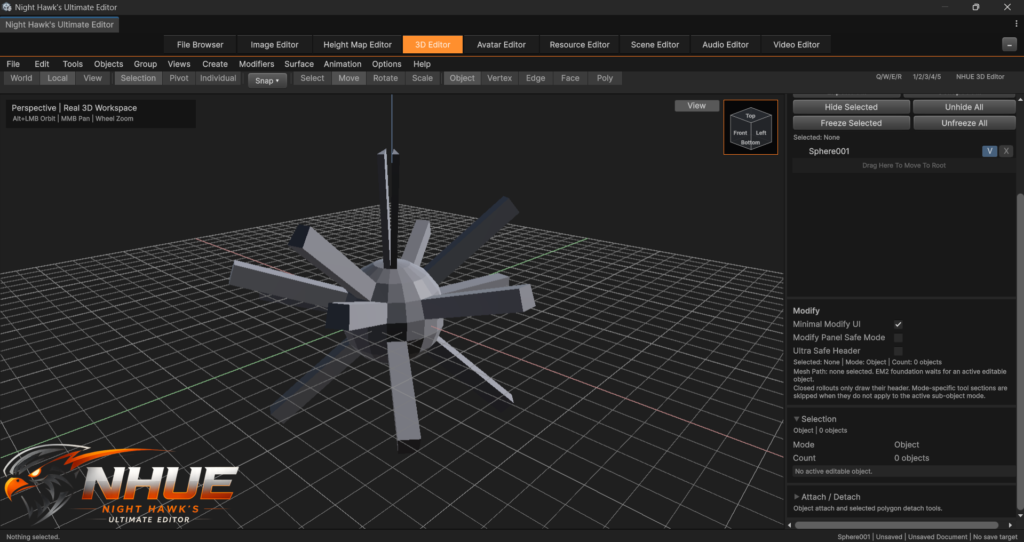
This extrudes each selected face on its own. This is great for making things like panels, armor plates, vents, spikes, and sci-fi surface details.
The cool part is that individual faces can use their own surface directions. So if faces are selected on different sides of a mesh, they can extrude outward from their own sides instead of all going the same direction.
Better Texture Handling
Another thing I wanted was for textures to behave better when extruding.
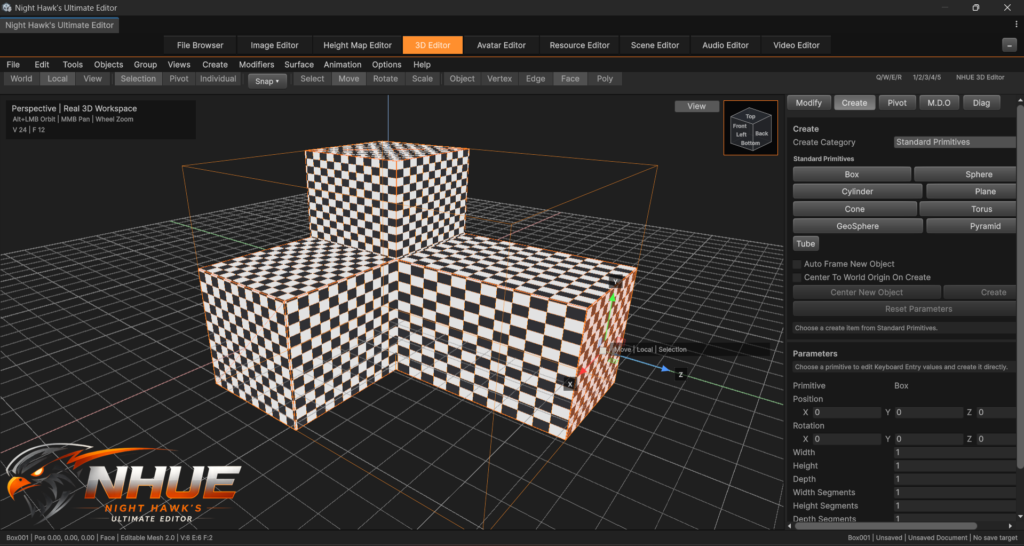
Since NHUE already has a checker pattern in the 3D Editor, it made this much easier to test. When extrusion creates new side walls and caps, the UVs need to stay useful. Otherwise the texture can smear, collapse, or look broken.
This update improves that. The new cap keeps its texture placement better, and the side walls now get real UV strips instead of broken-looking texture smears.
It is not the final UV system for everything yet, but it is a strong start.
Fixing the Classic Extrude Problem
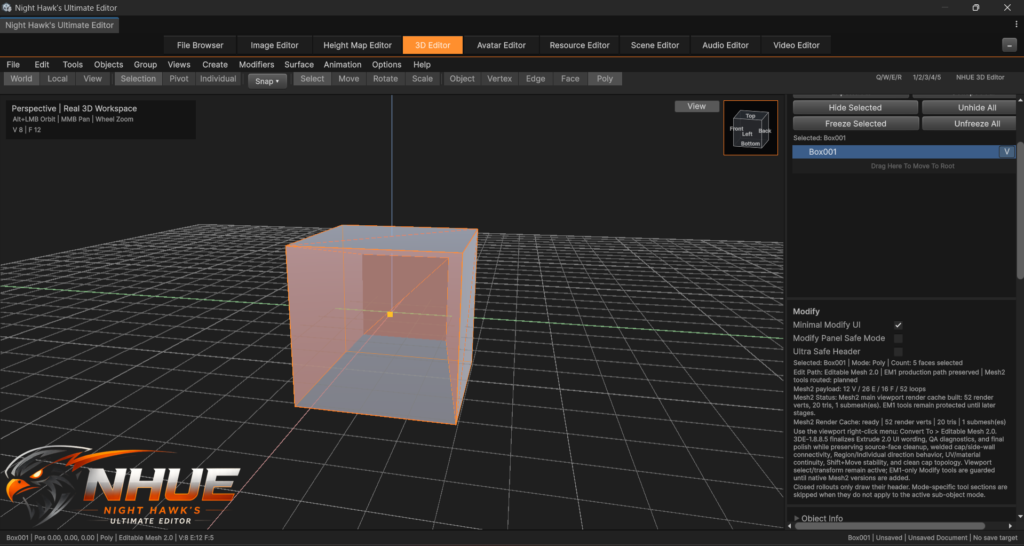
There was also an old problem that came back: when extruding, the original face could get left behind inside the mesh.
That is not what you want. If you extrude inward or outward, the old source face should not remain sitting inside the model like an extra hidden wall.
This is fixed now for Extrude 2.0. The new extrusion keeps the proper cap and side walls, while cleaning up the old source face. We also made sure the new geometry stays connected so faces do not come loose afterward.
That was an important fix, because if the geometry is not connected correctly, every future modeling tool becomes harder to trust.
Why This Matters
This is more than just one tool.
Extrude 2.0 proves that Editable Mesh 2.0 can support real modeling features inside NHUE. It uses cleaner mesh data, better face handling, better selection, better transform behavior, and better texture continuity.
This is the beginning of a much bigger modeling system.
The plan is to keep building more tools on top of this new foundation. Extrude came first because it is one of the most important modeling tools there is. Once extrude feels good, the rest of the modeling workflow can grow around it.
Final Thoughts
I am really happy with how this is starting to feel.
There is still a lot more work ahead, but Editable Mesh 2.0 is starting to become real now. The new extrude system already feels cleaner than the old one, and it gives NHUE a much stronger direction for future modeling tools.
This is the kind of update that makes me excited for what the 3D Editor is going to become.
More tools are coming next.