See the Editor Coming to Life.
A polished look at Night Hawk’s Ultimate Editor in motion: 3D editing, terrain creation, image and texture workflows, resource and prefab editing, avatar tools, scene work, and the dark orange workspace that ties it all together.
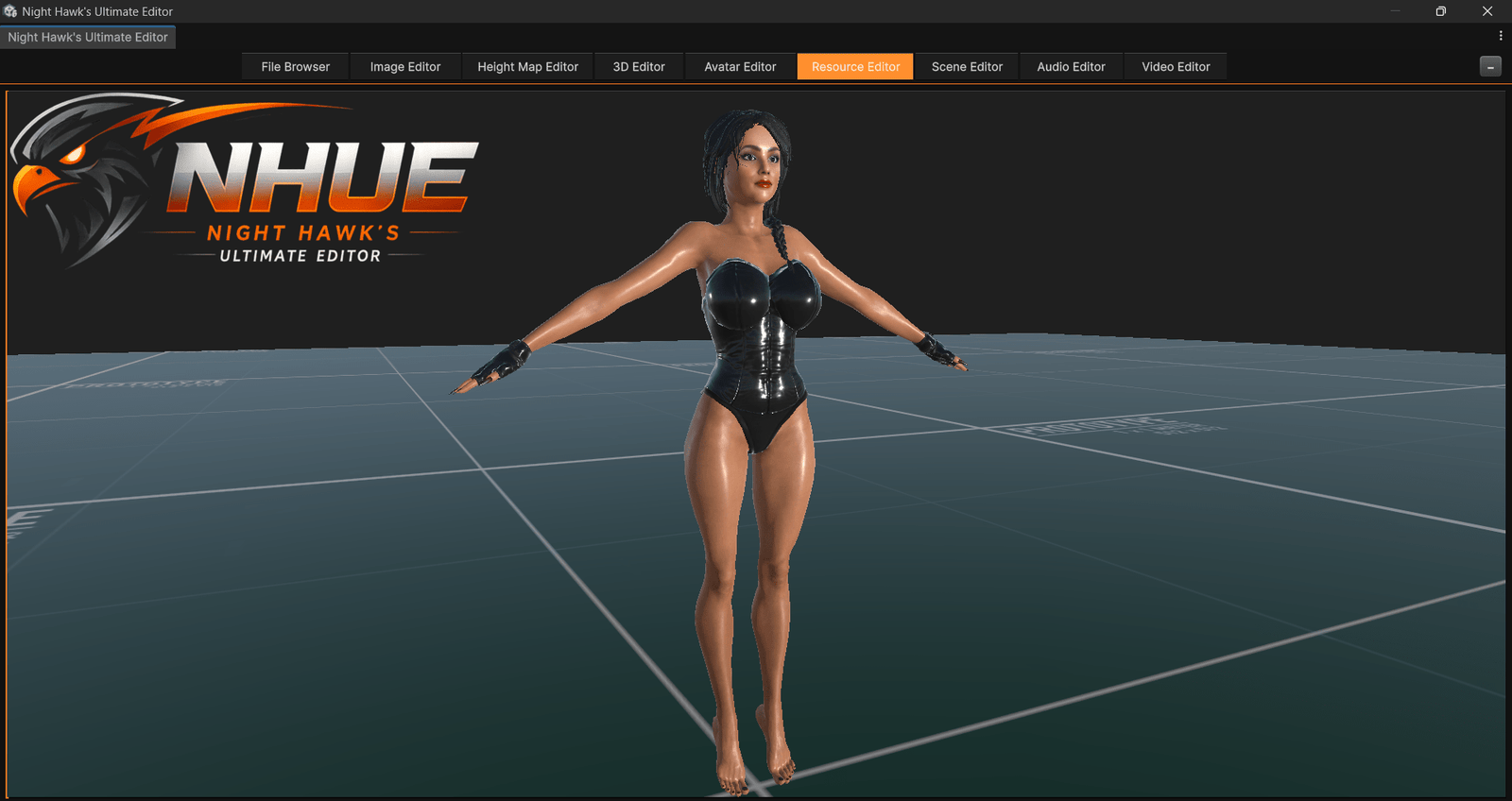
 Rotating Showcase
Main NHUE Workspaces
These are the big showcase areas: modeling, terrain, resources, image editing, scene work, and the tools that make NHUE feel like one connected creative environment.
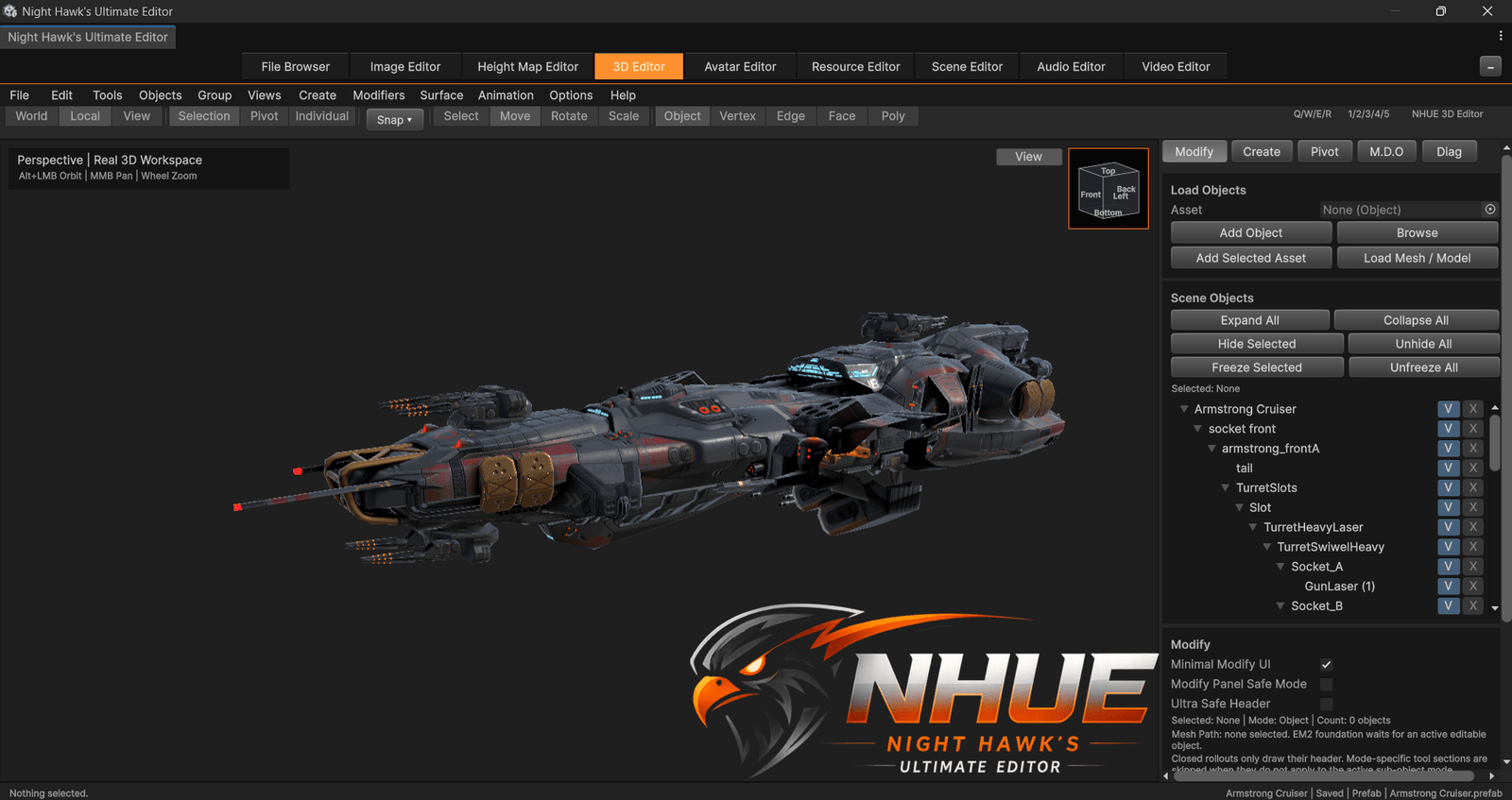 3D Editor
Imported Sci-Fi Cruiser
A larger imported model shown inside the NHUE 3D Editor, with hierarchy, viewport controls, object tools, and the dark NHUE workspace.
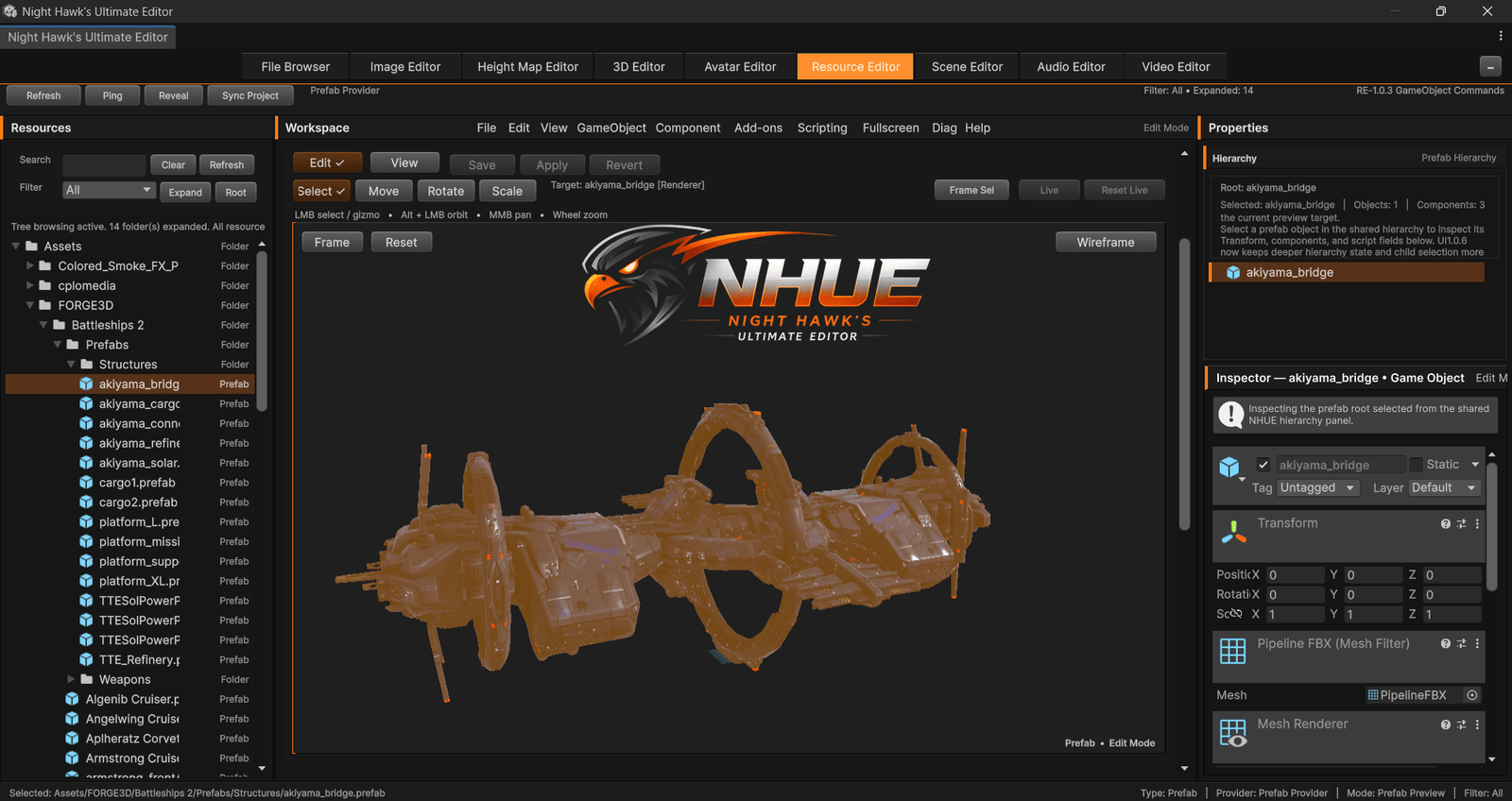 Resource Editor
Prefab and resource editing, not just browsing.
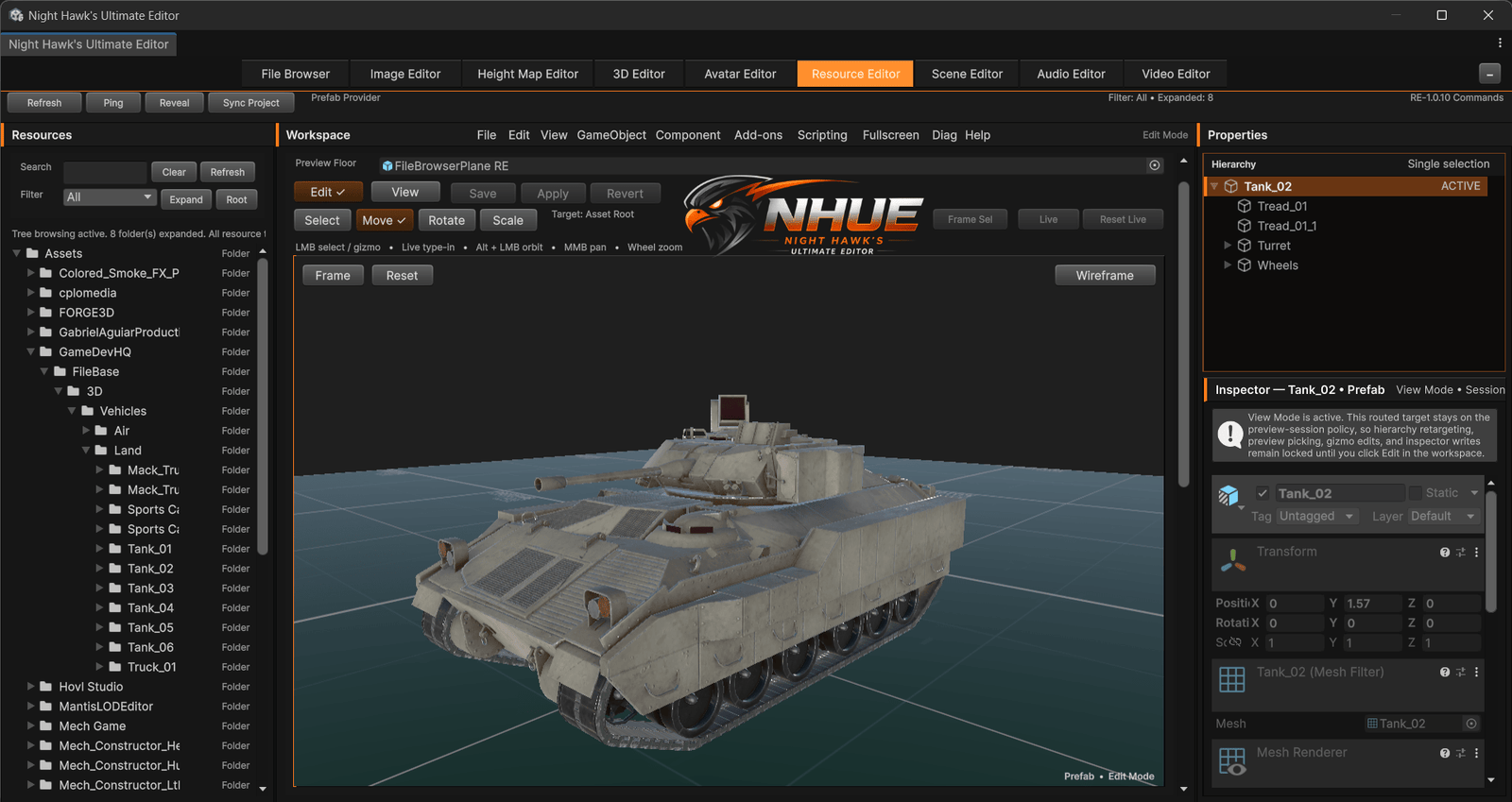
The Resource Editor is being built as a stronger Unity resource and prefab editing workspace: a place to create, edit, preview, inspect, light, and refine reusable project content inside NHUE.
Terrain Package
Build worlds, shape land, and capture terrain showcases.
NHUE’s terrain side is built for height maps, landforms, color ramps, terrain previews, clean screenshot mode, sky moods, fly-through viewing, and terrain package workflows.
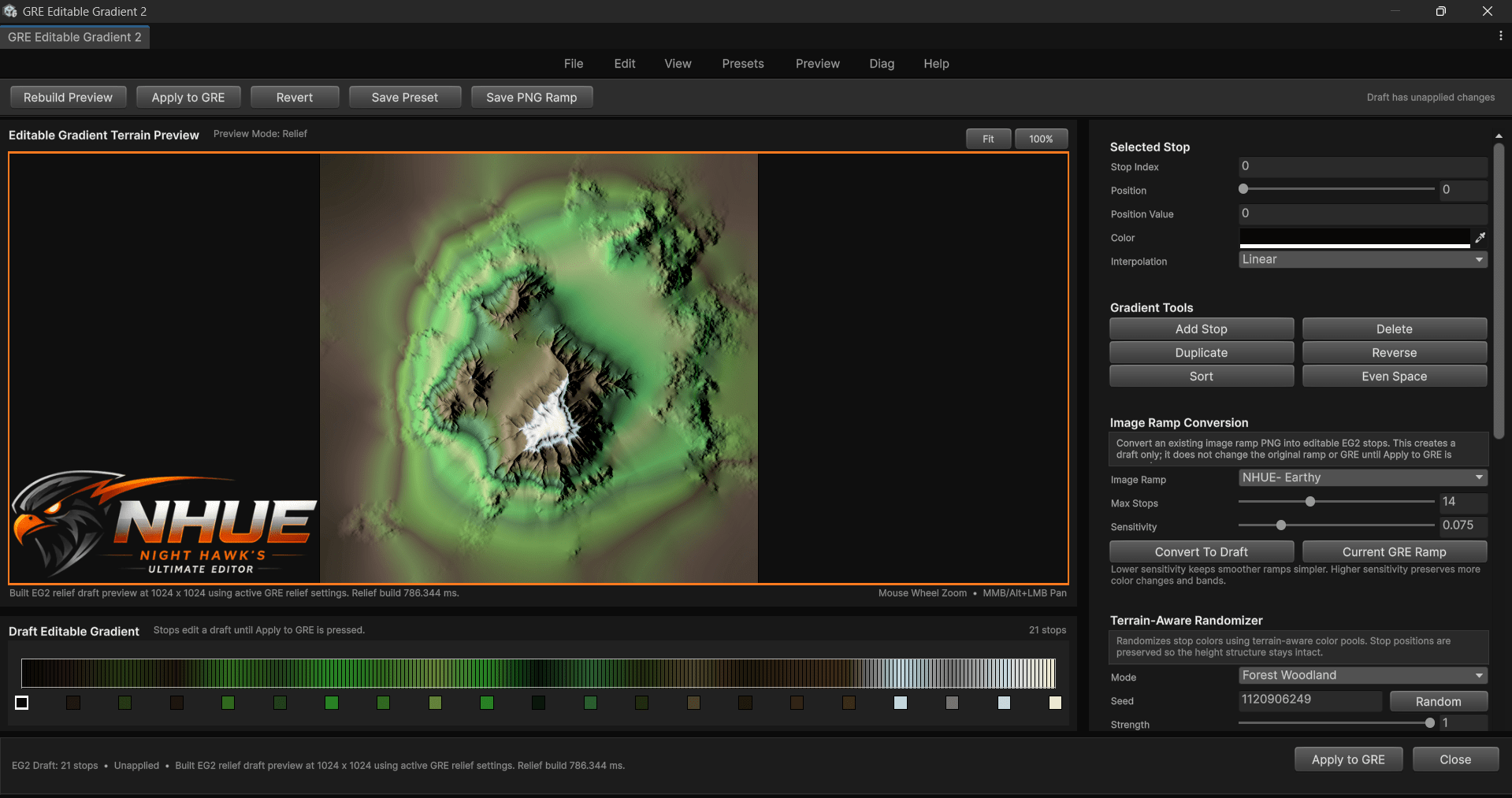
Gradient Ramp Editor
Terrain-aware color ramps, Editable Gradient 2, presets, and relief preview.
The Gradient Ramp Editor gives the terrain side of NHUE a stronger color workflow with ramp browsing, editable gradients, terrain-aware randomization, relief shading, and cleaner colormap exports.
Vehicles, spaceships, imported models, and viewport work.
Newer 3D Editor screenshots show more variety than the older single-model gallery. These shots help show imported assets, viewport controls, hierarchy, and object workflows.
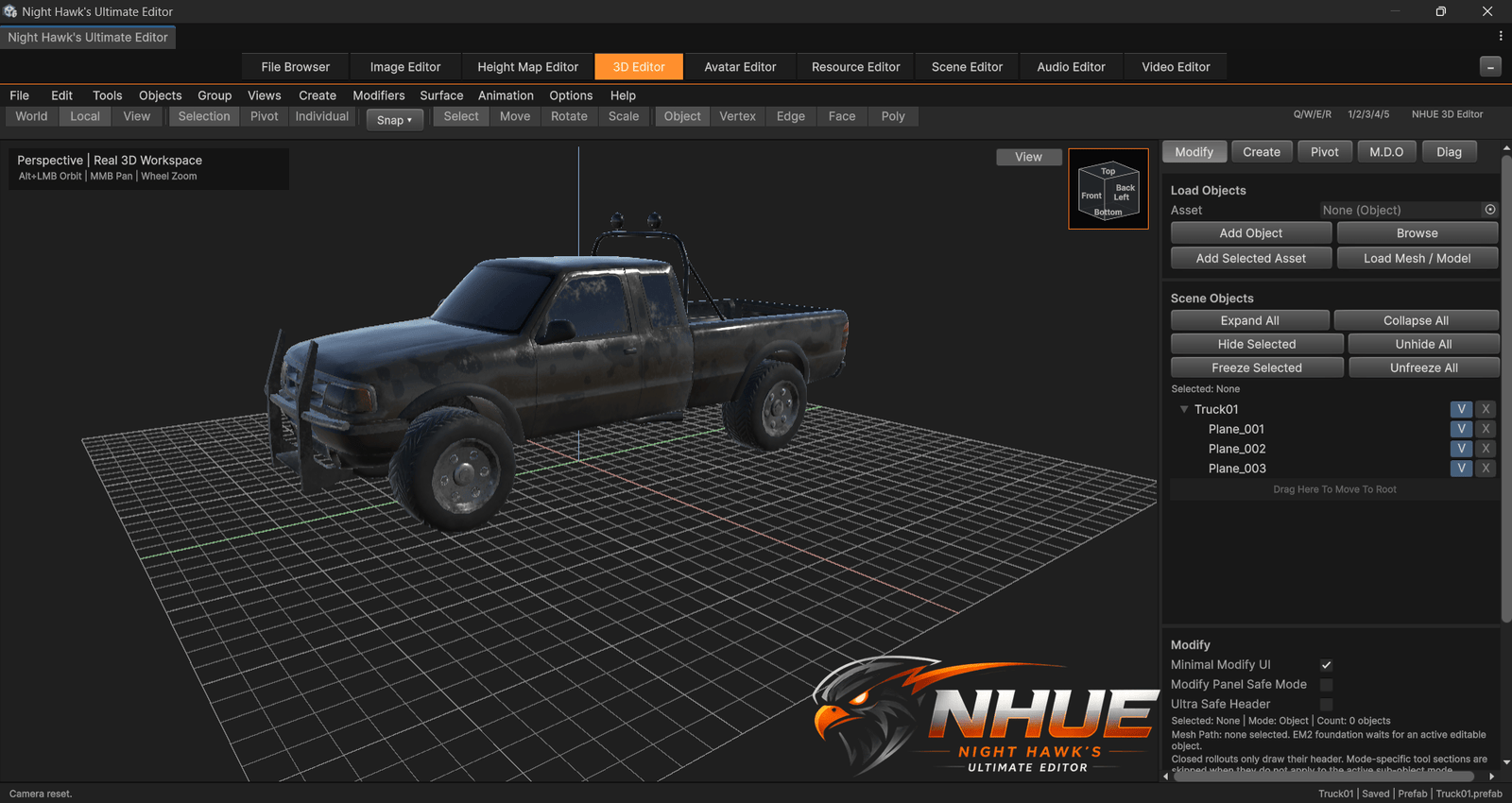
Vehicle Preview
Imported model work with viewport tools, hierarchy, and editor panels.
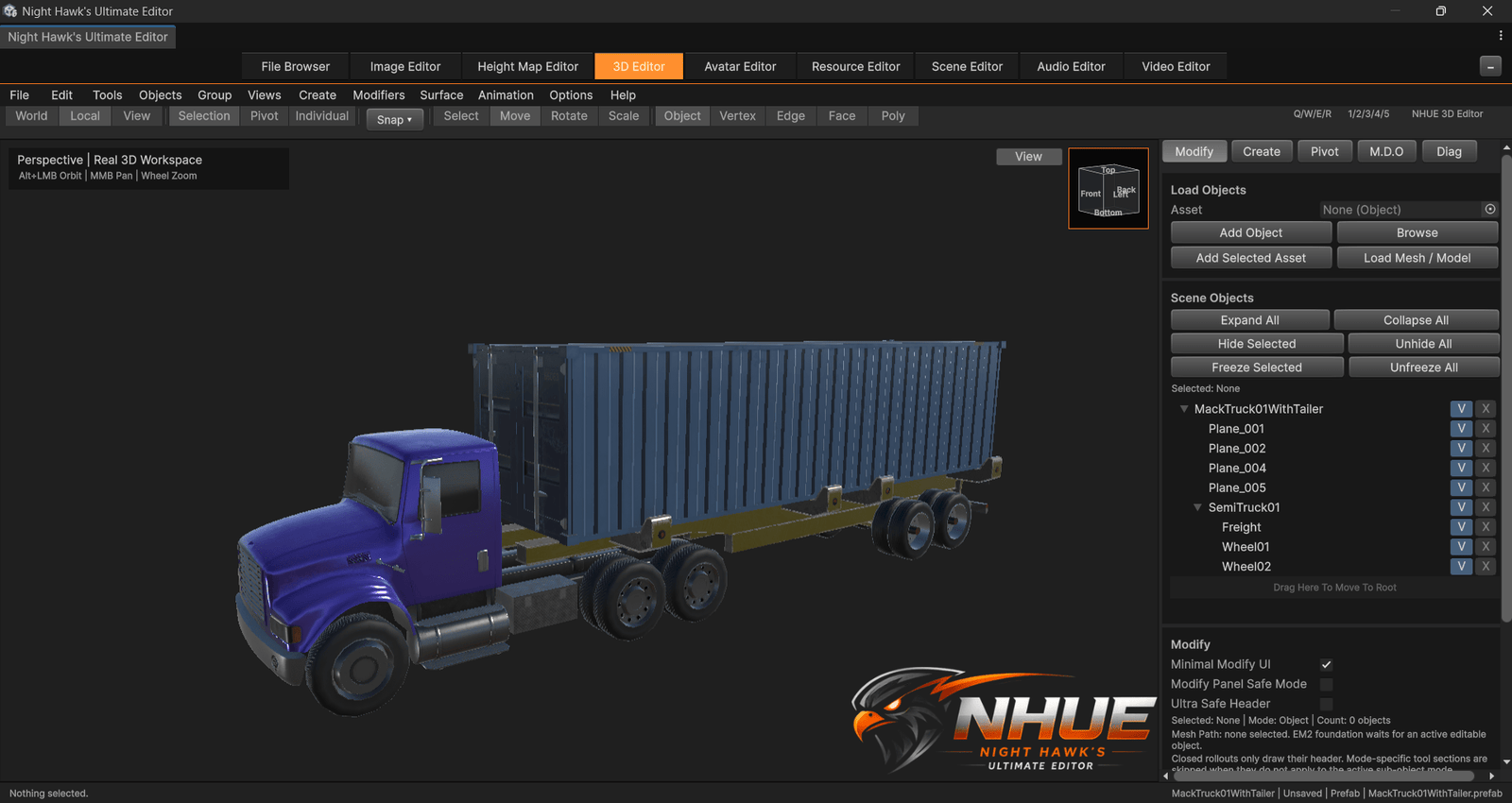
Diesel Truck
A different vehicle asset showing variety in the 3D Editor viewport.
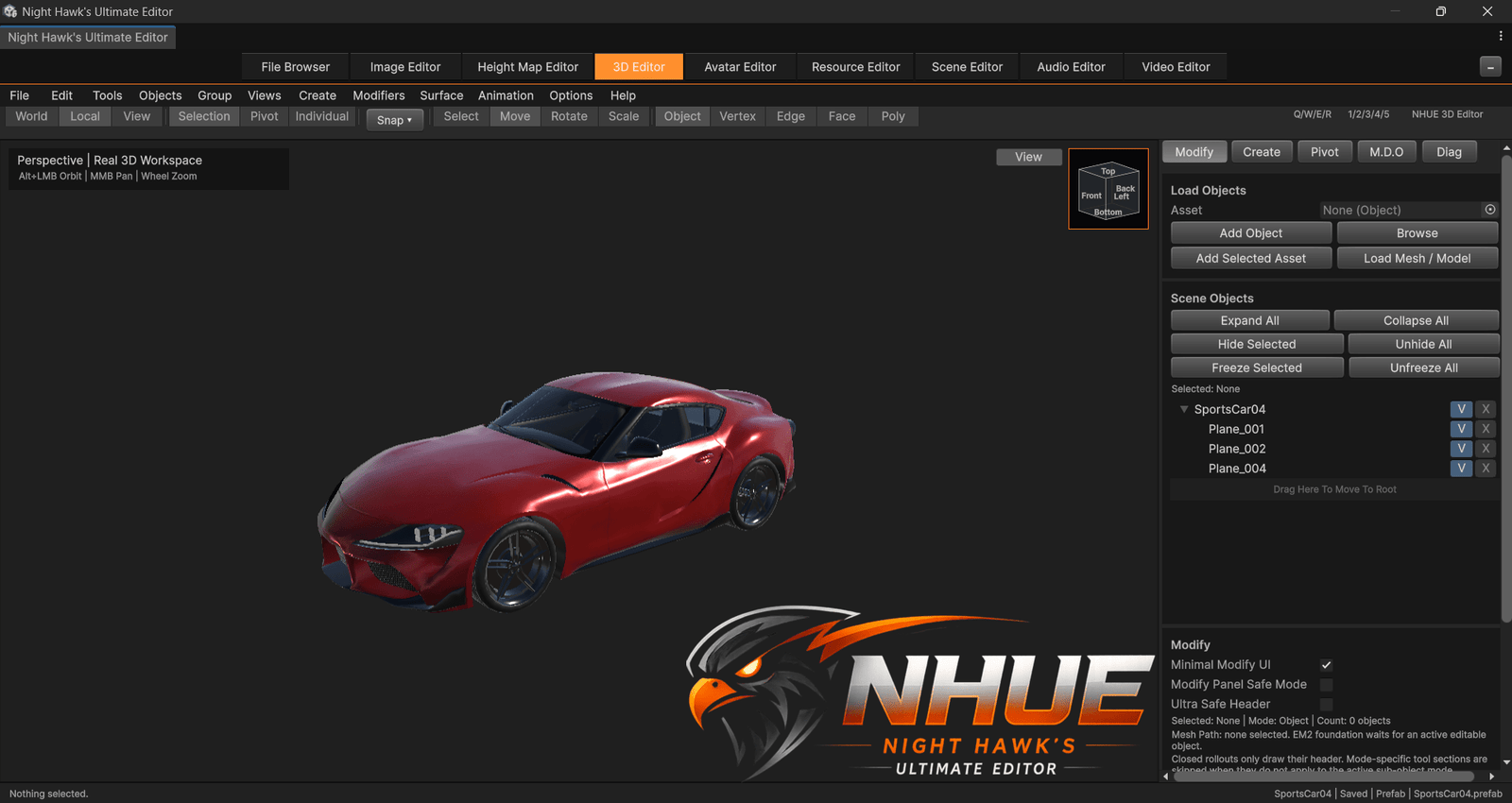
Sports Car
Imported model preview with the grid, right panel, and object workflow visible.
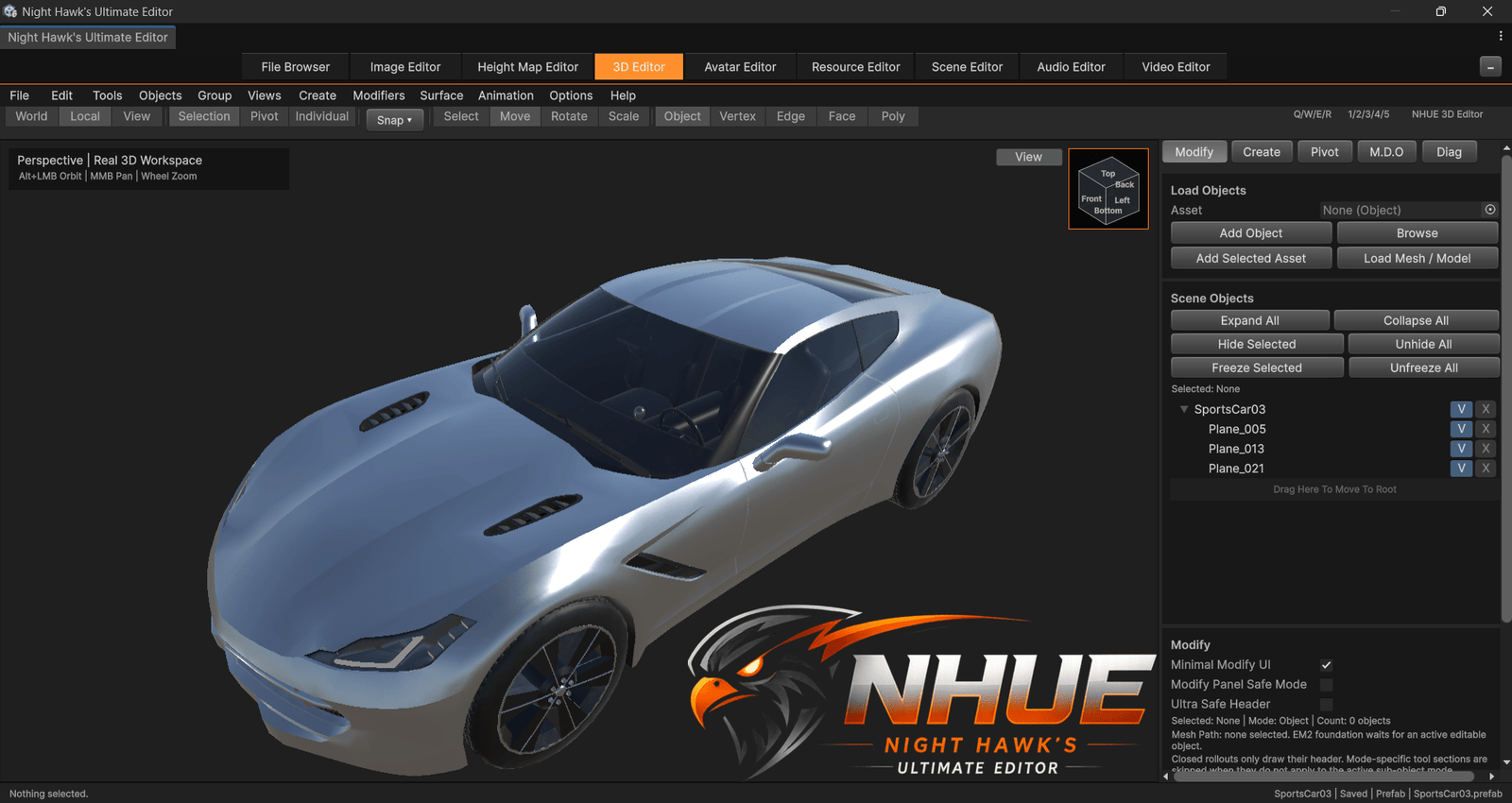
Clean Model Shot
A cleaner model-focused view with NHUE’s dark workspace visible.
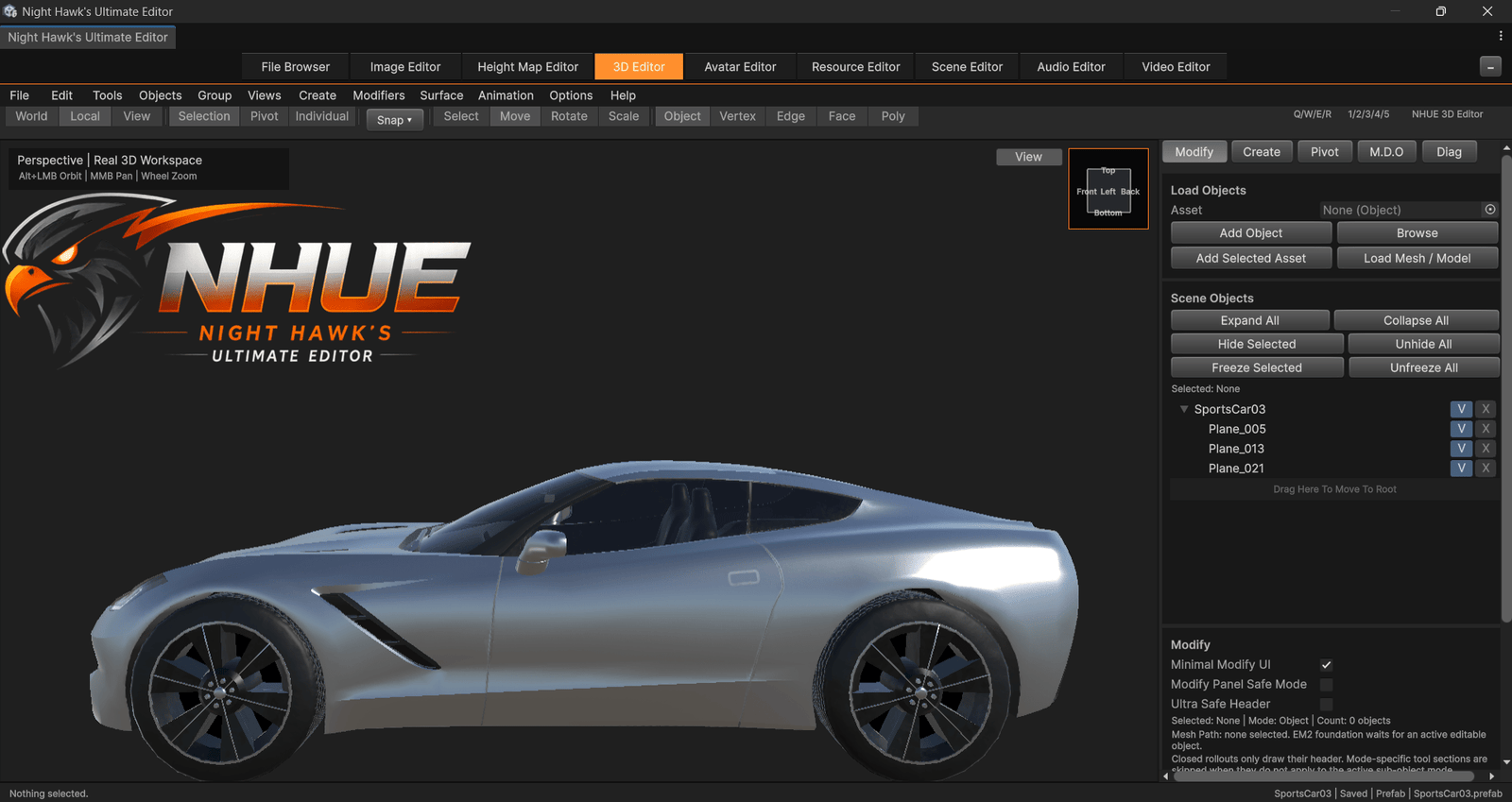
Viewport Detail
Another angle for showing model detail and viewport presentation.
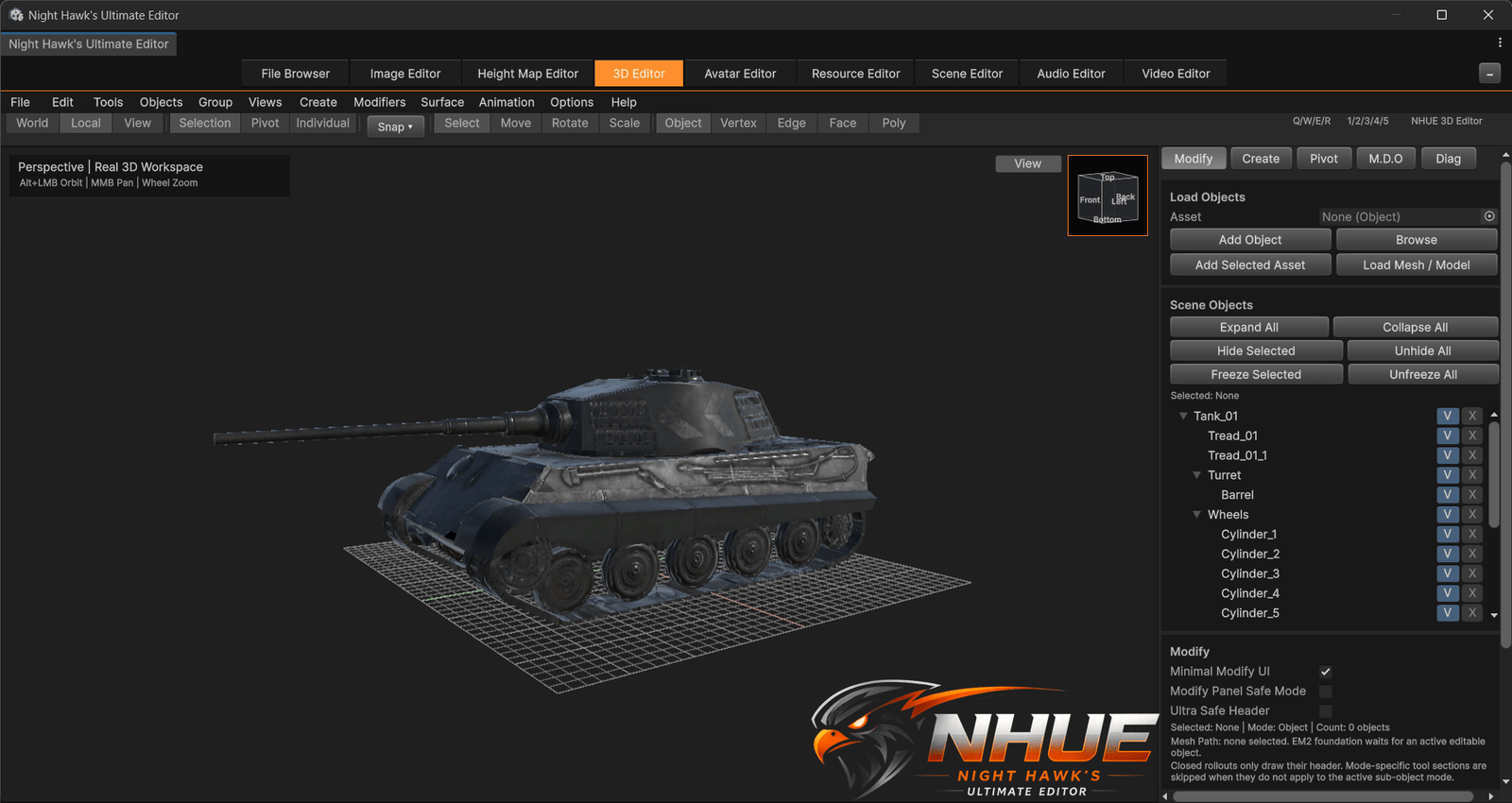
Armored Vehicle
A tank model shown in the 3D Editor with hierarchy, object structure, and viewport tools visible.
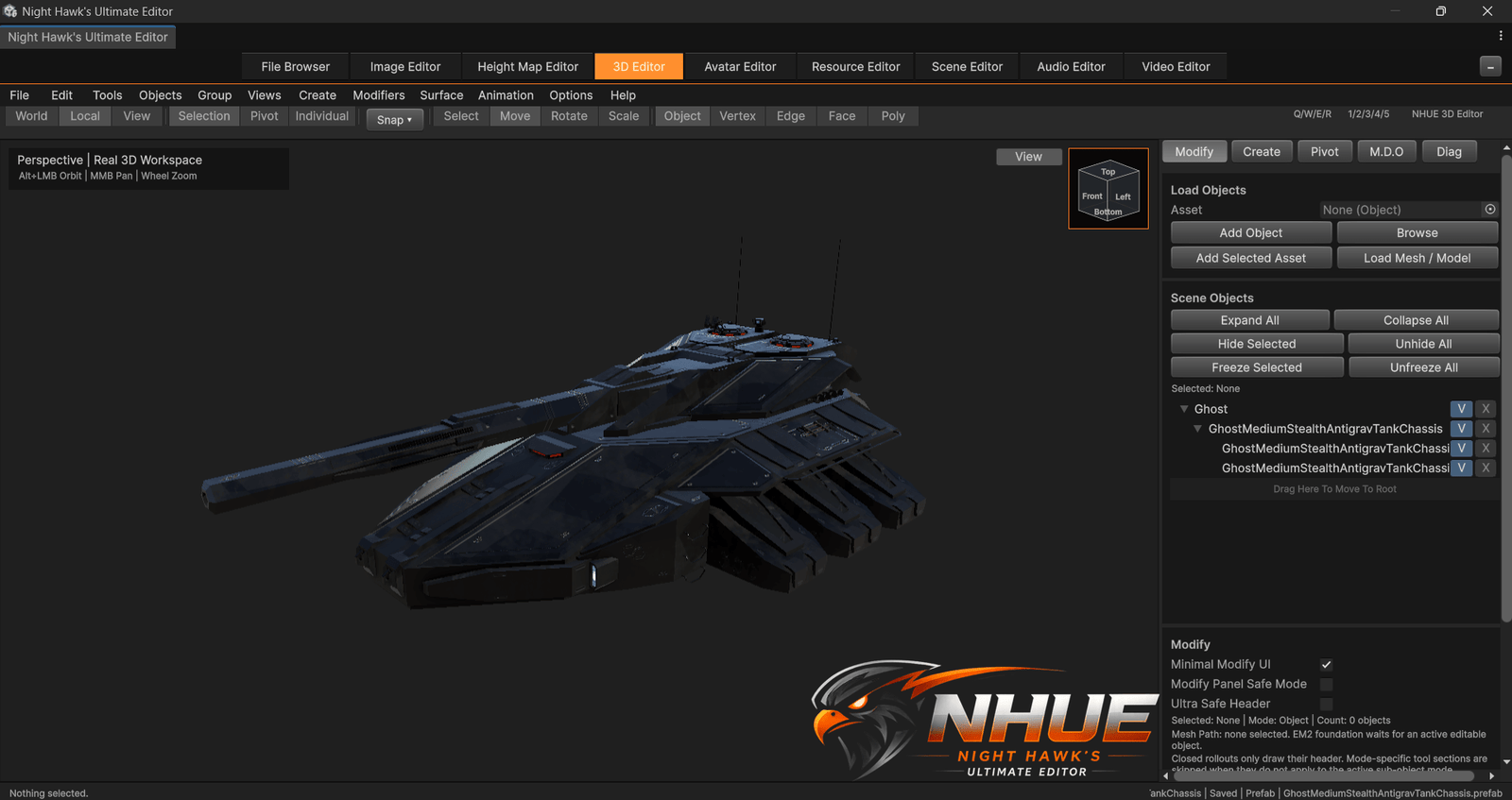
Sci-Fi Tank
A different imported asset style for testing model preview, editor panels, and object organization.
Terrain beauty shots and clean screenshot mode.
These are current terrain captures. More FTP maps can be added later when the new terrain set is finished.
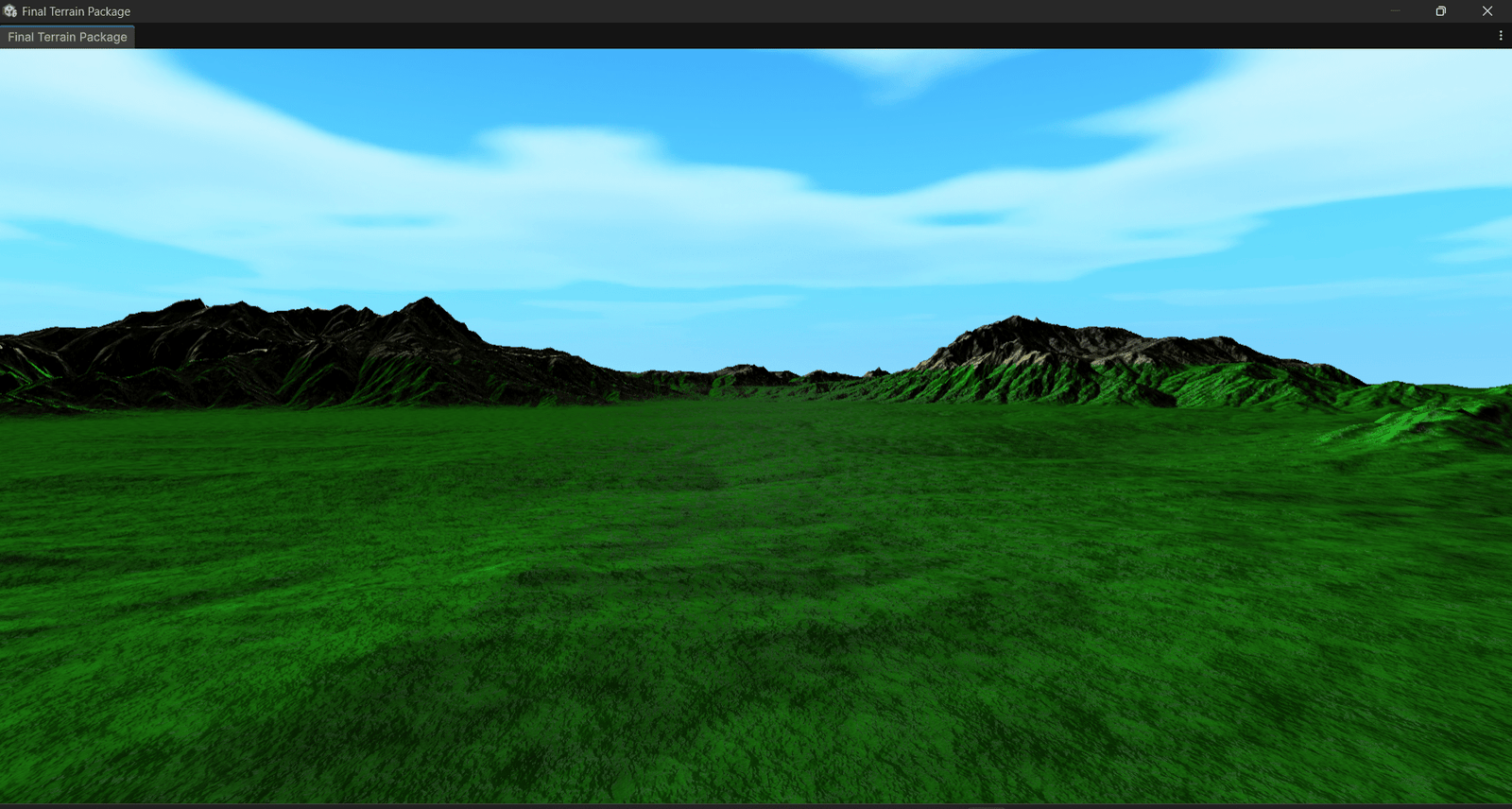
Screenshot Mode
Clean terrain captures with the editor UI hidden for gallery and site screenshots.
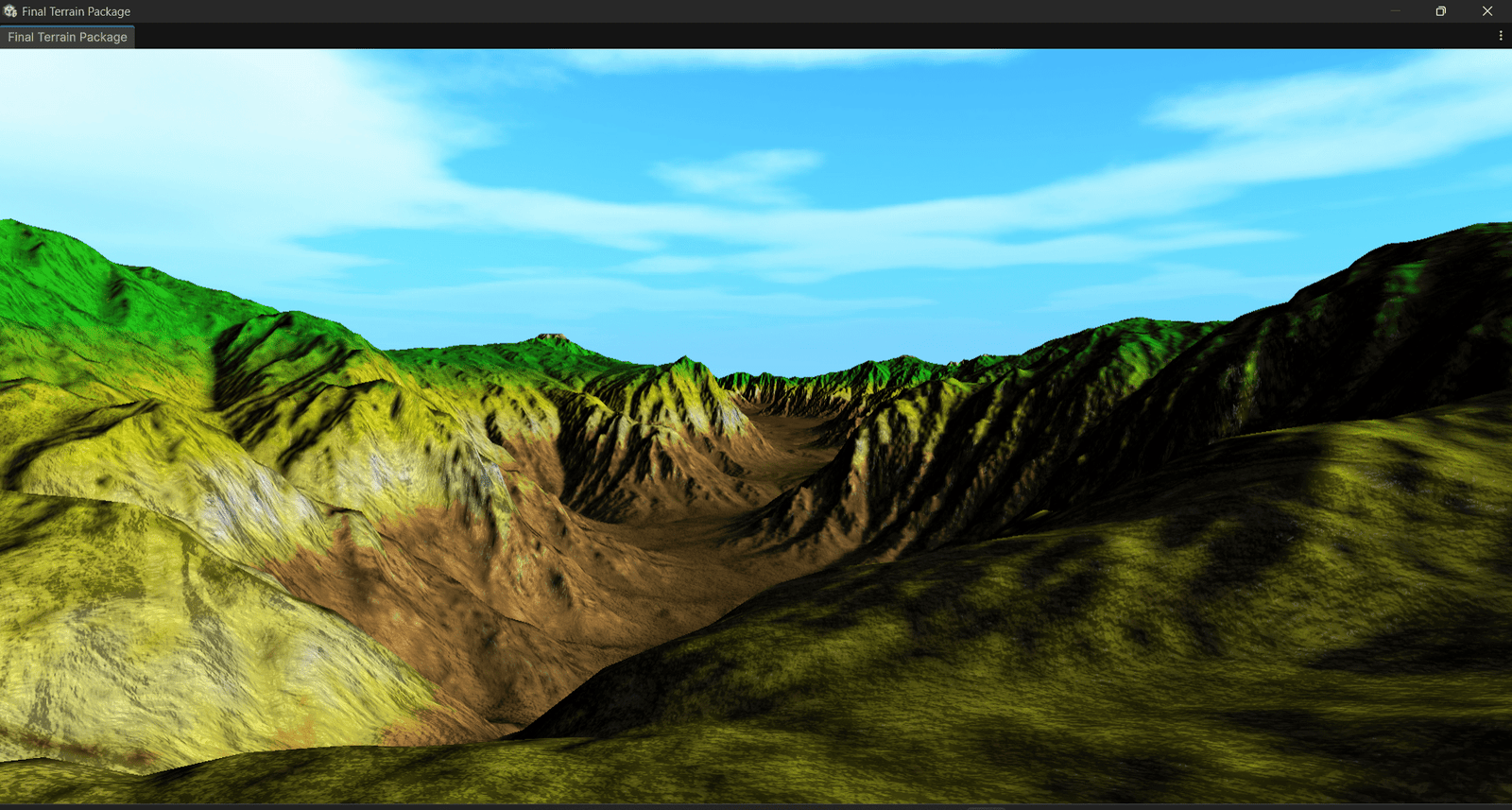
Terrain Preview
Height-map terrain shown with presentation lighting and clean capture workflow.
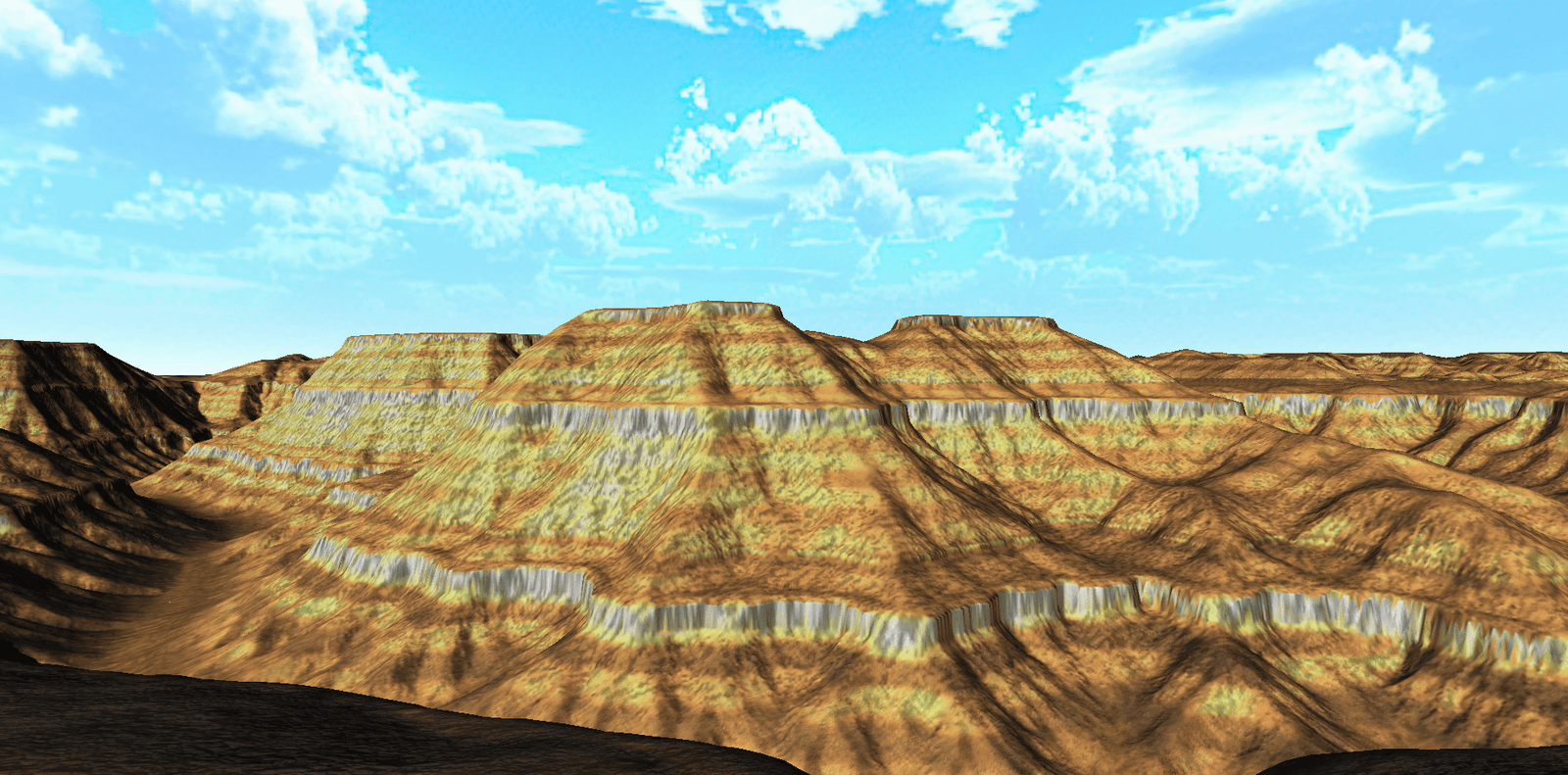
Desert Forms
Desert and mesa-style terrain presentation for the Final Terrain Package.
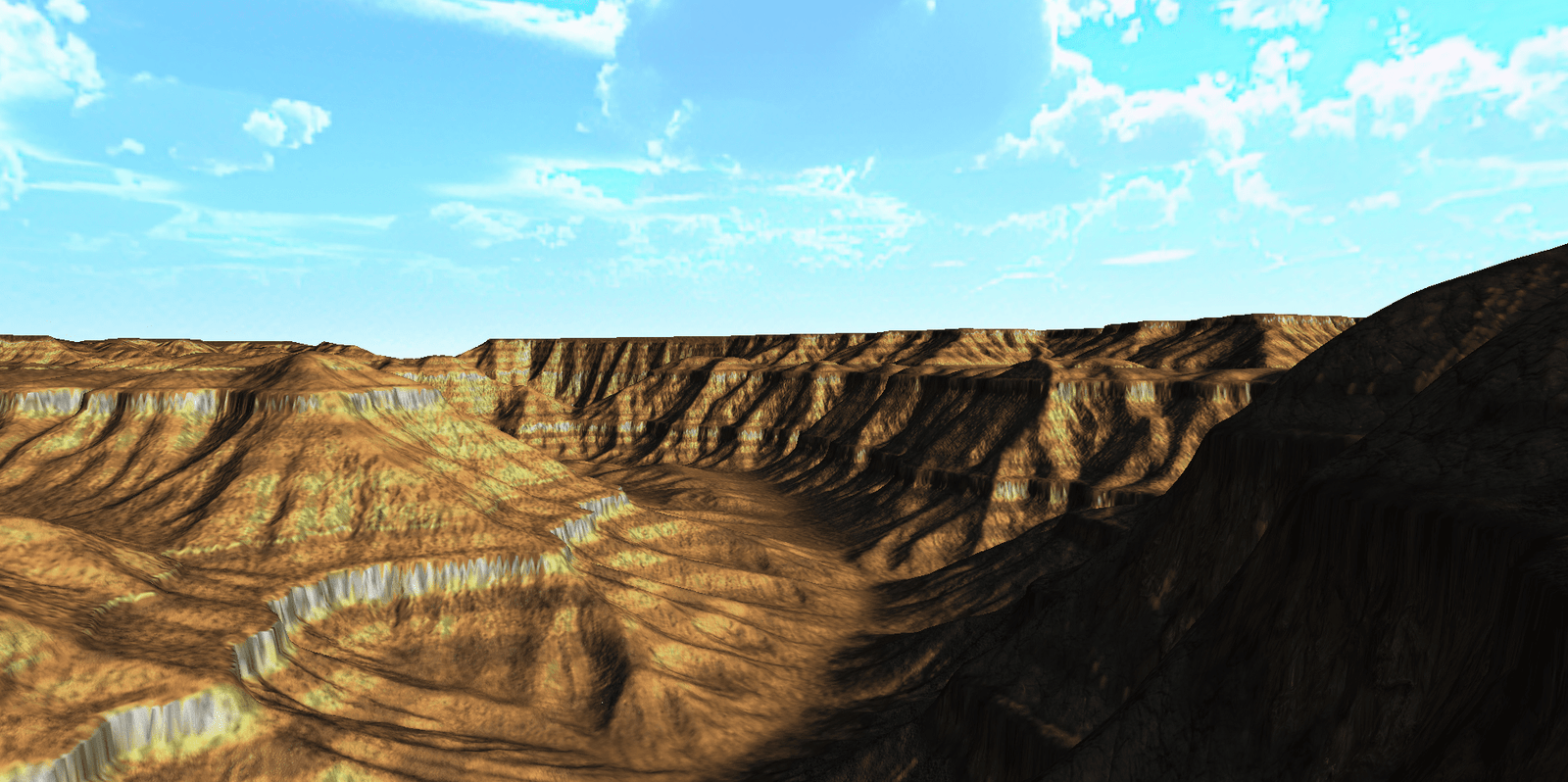
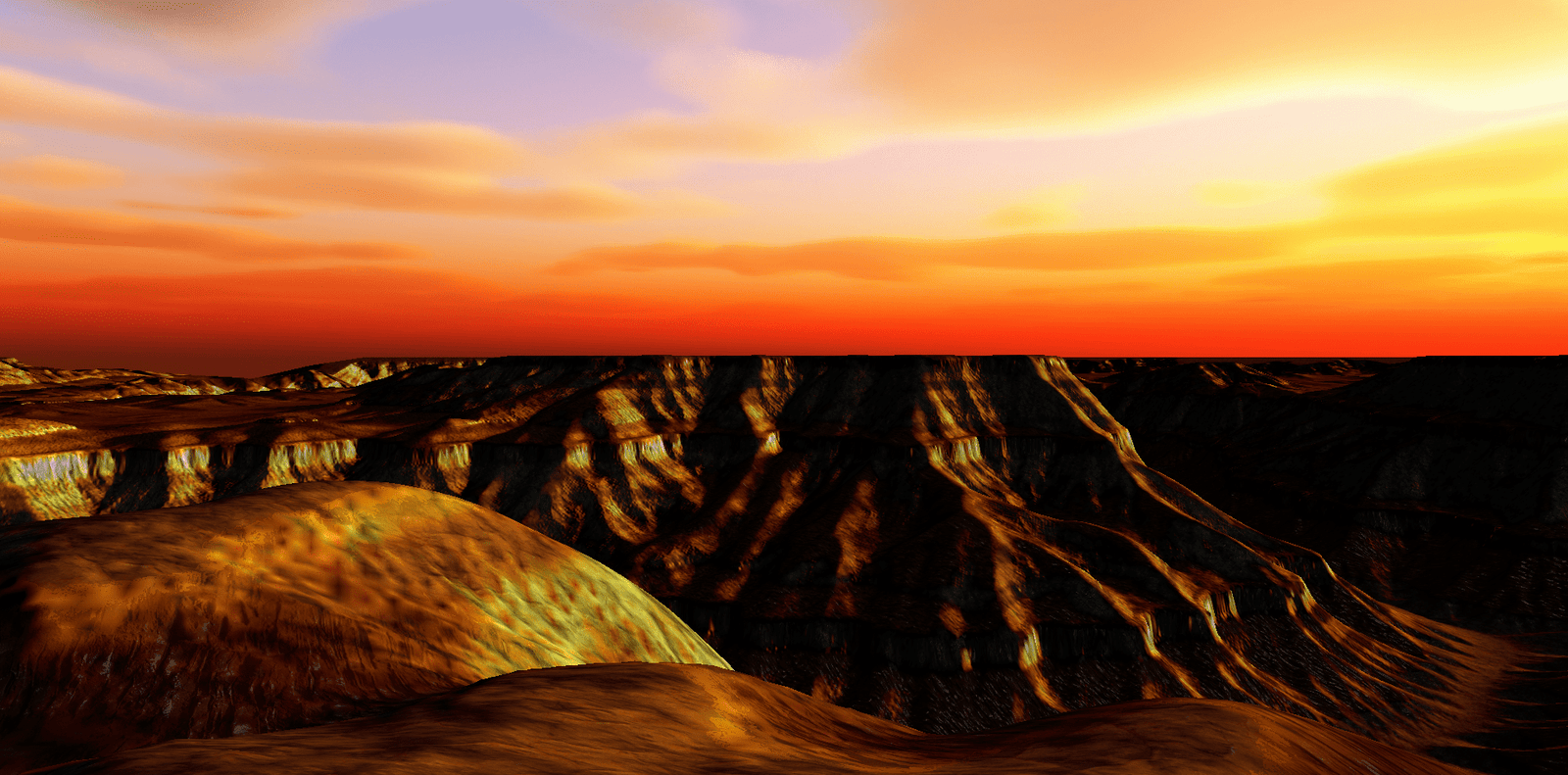
Canyon Depth
A stronger canyon-style composition for showing terrain scale and lighting.
Color ramps, terrain masks, alpha maps, and surface maps.
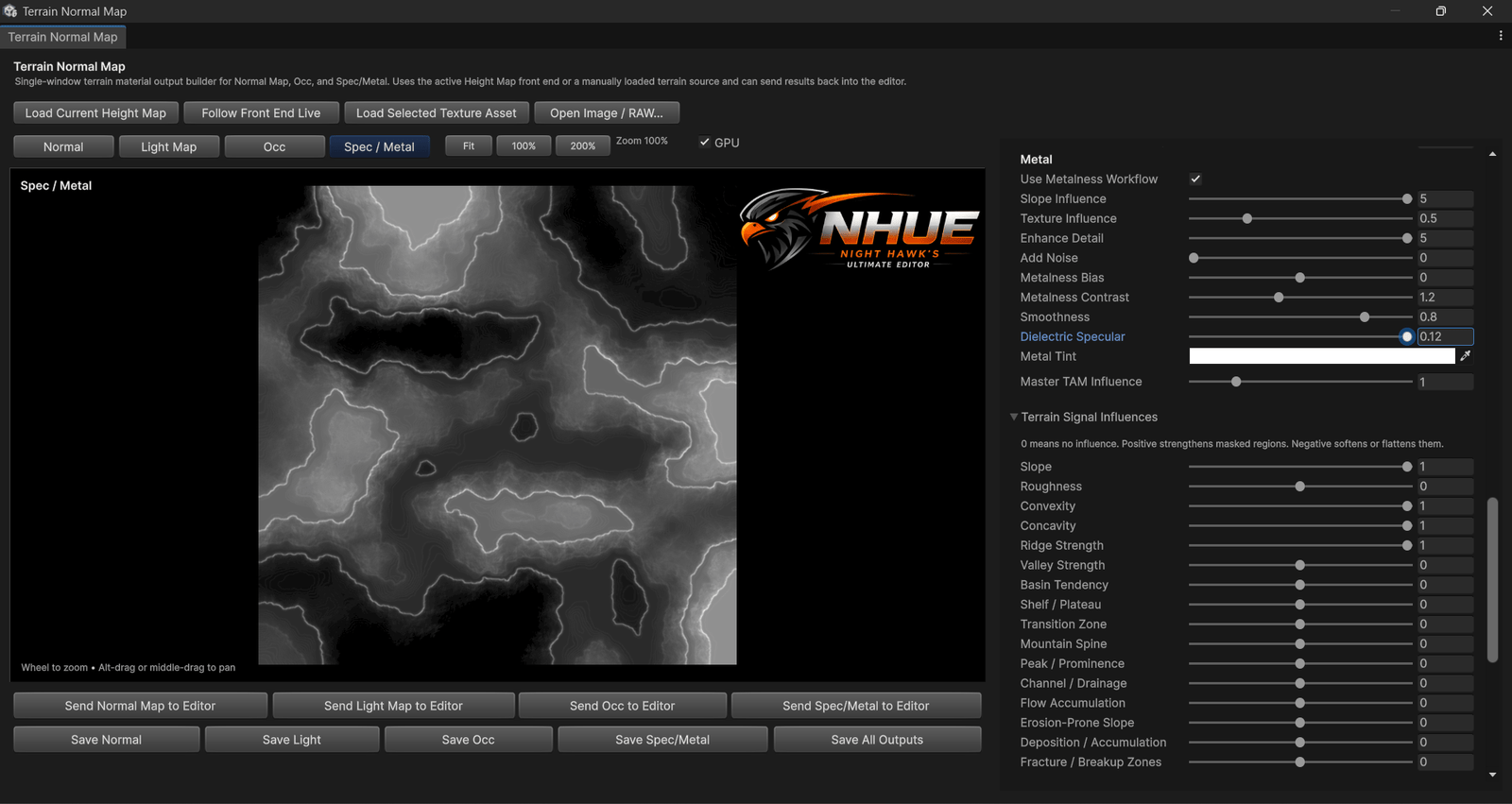
NHUE’s terrain side is also a data pipeline: color maps, terrain analysis masks, alpha layer banks, packed outputs, normal maps, light maps, and surface-map style outputs.
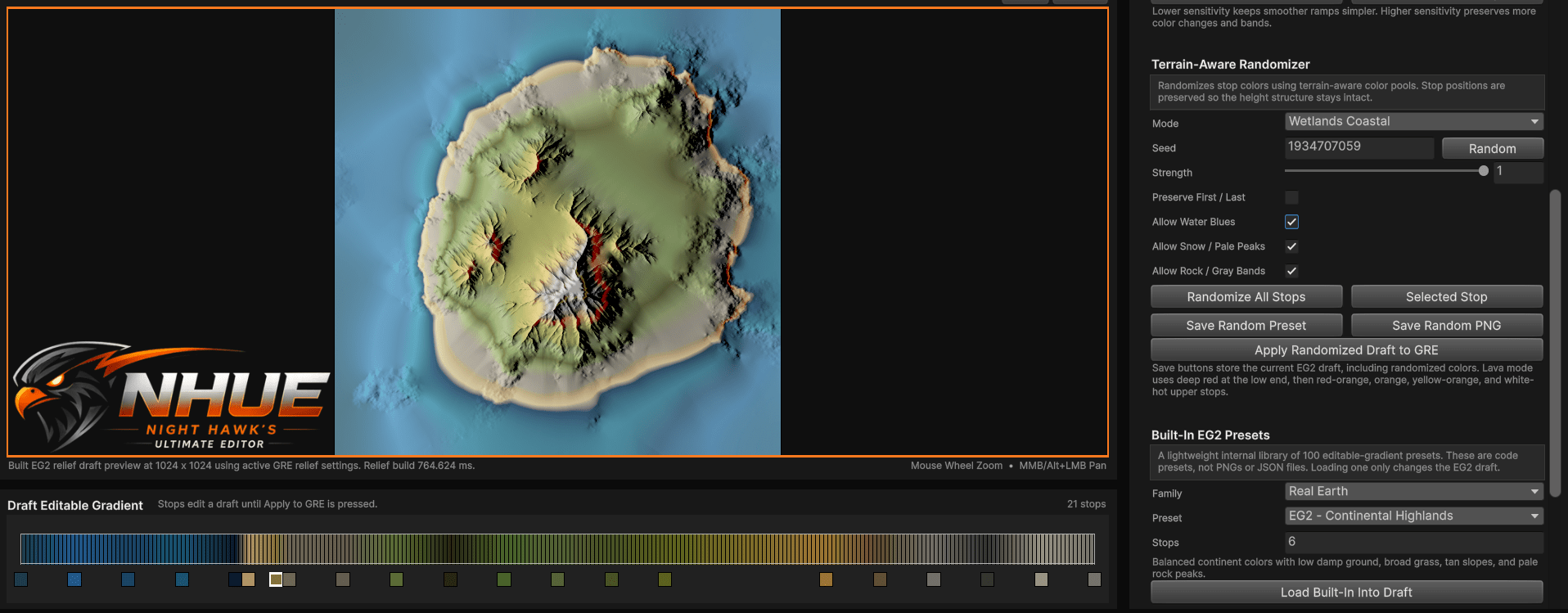
Editable Gradient 2
Terrain-aware randomization, built-in presets, relief preview, and editable gradient workflows.
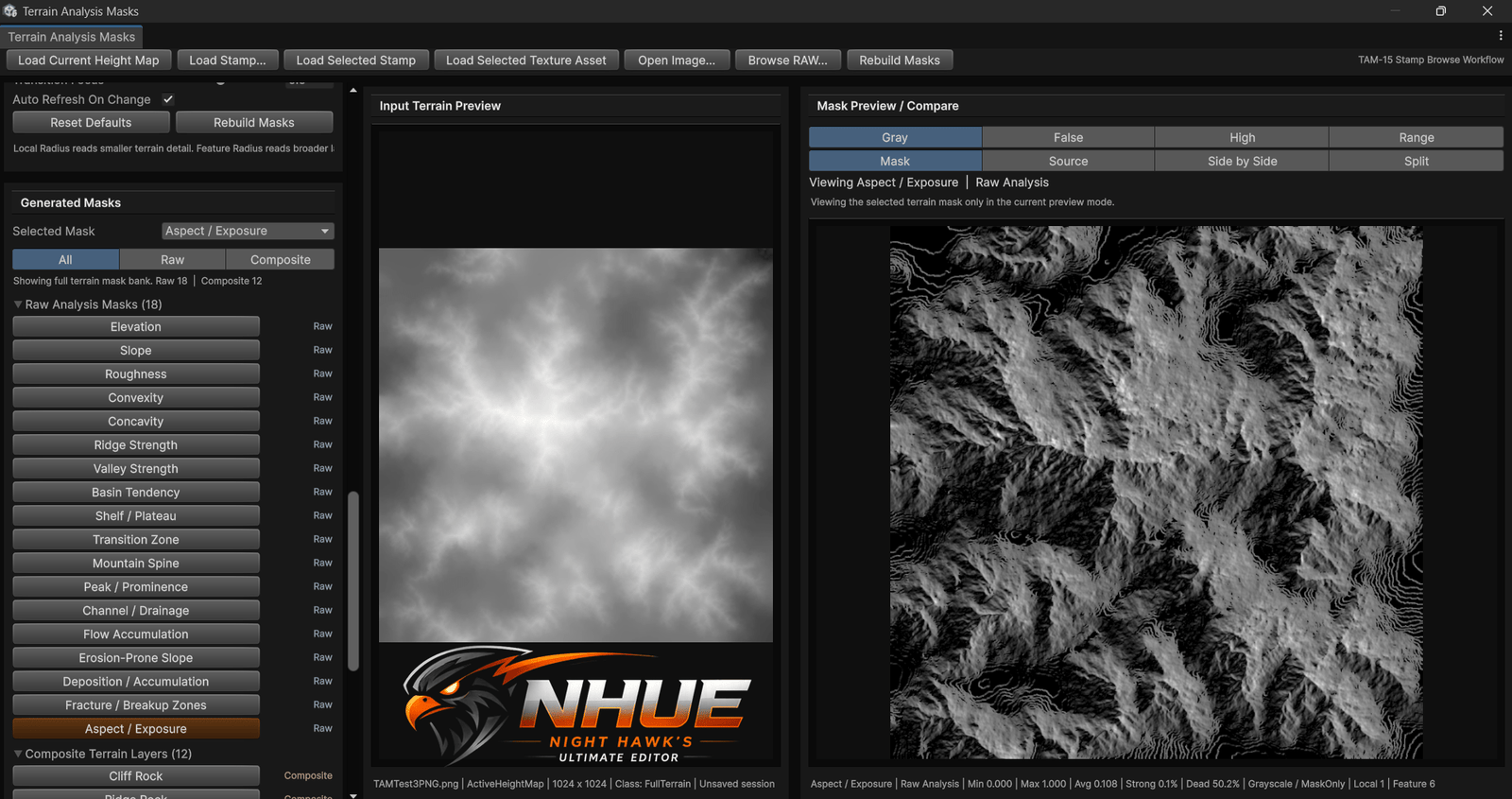
Terrain Analysis Masks
Analysis masks for slope, ridges, exposure, flow, erosion-prone areas, and composite terrain layers.
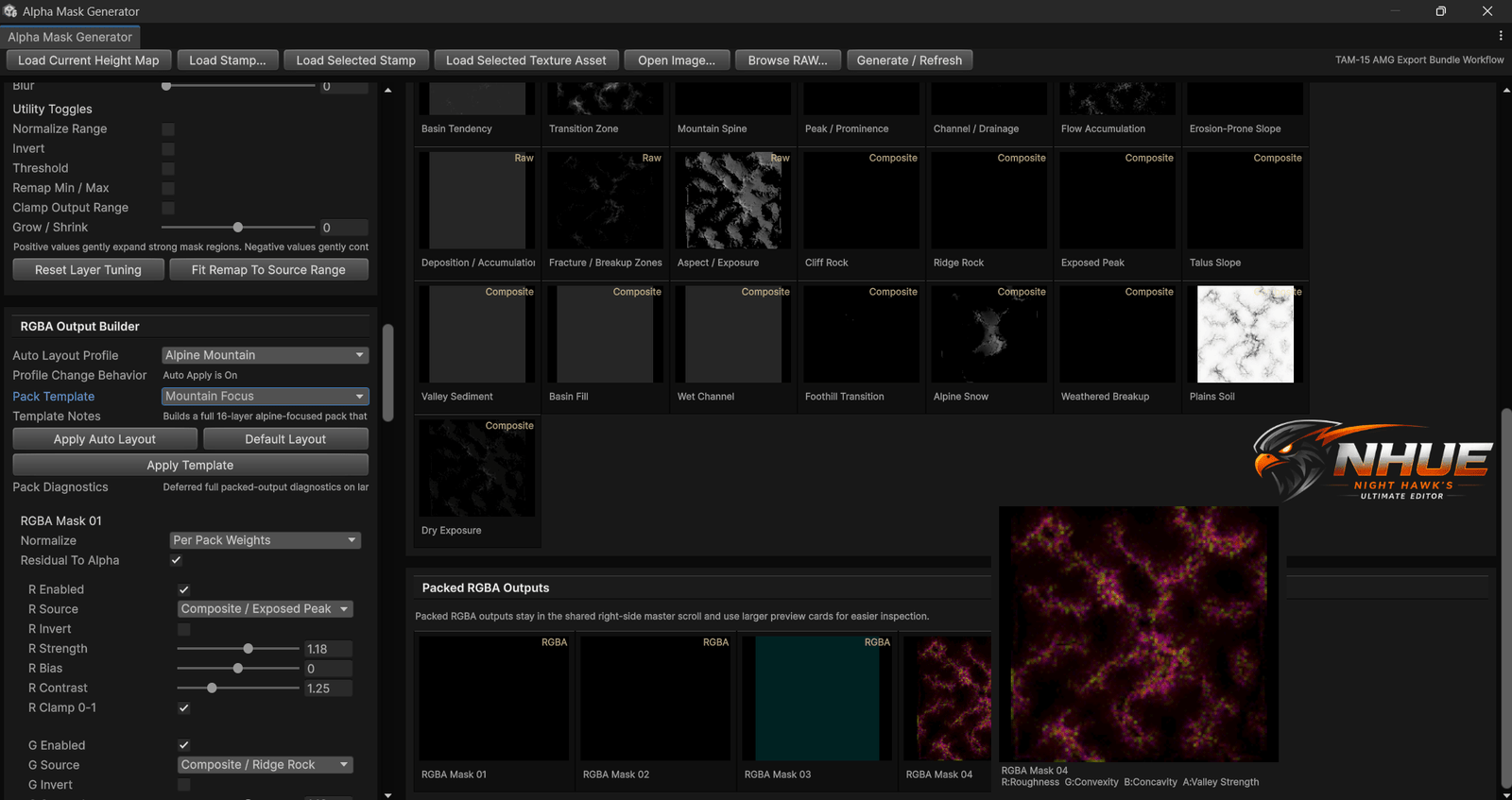
Alpha Mask Generator
Grayscale alpha layers and packed RGBA outputs for terrain material/control workflows.
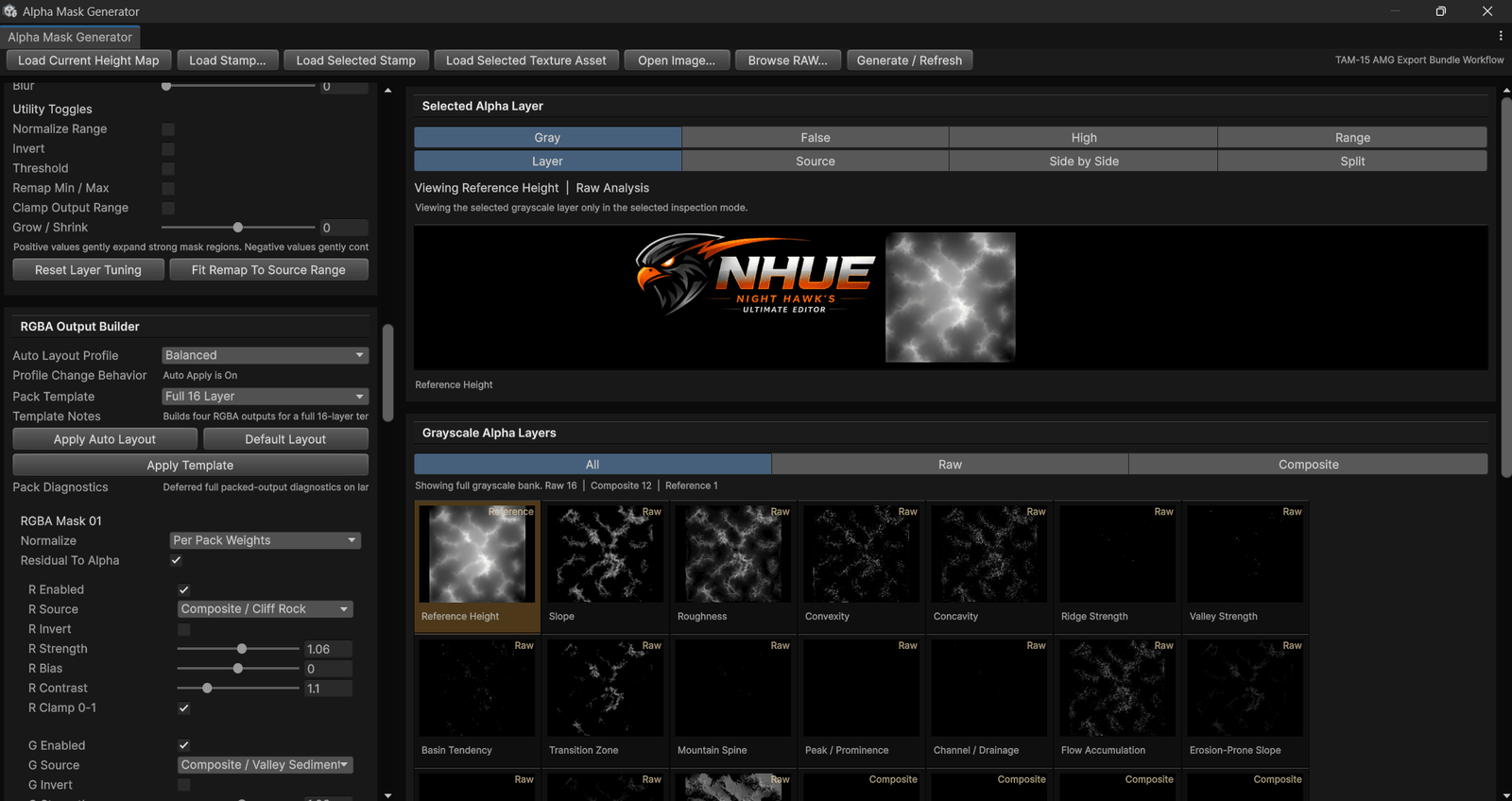
Packed RGBA Output
AMG can prepare packed channel outputs for later terrain material and layer workflows.
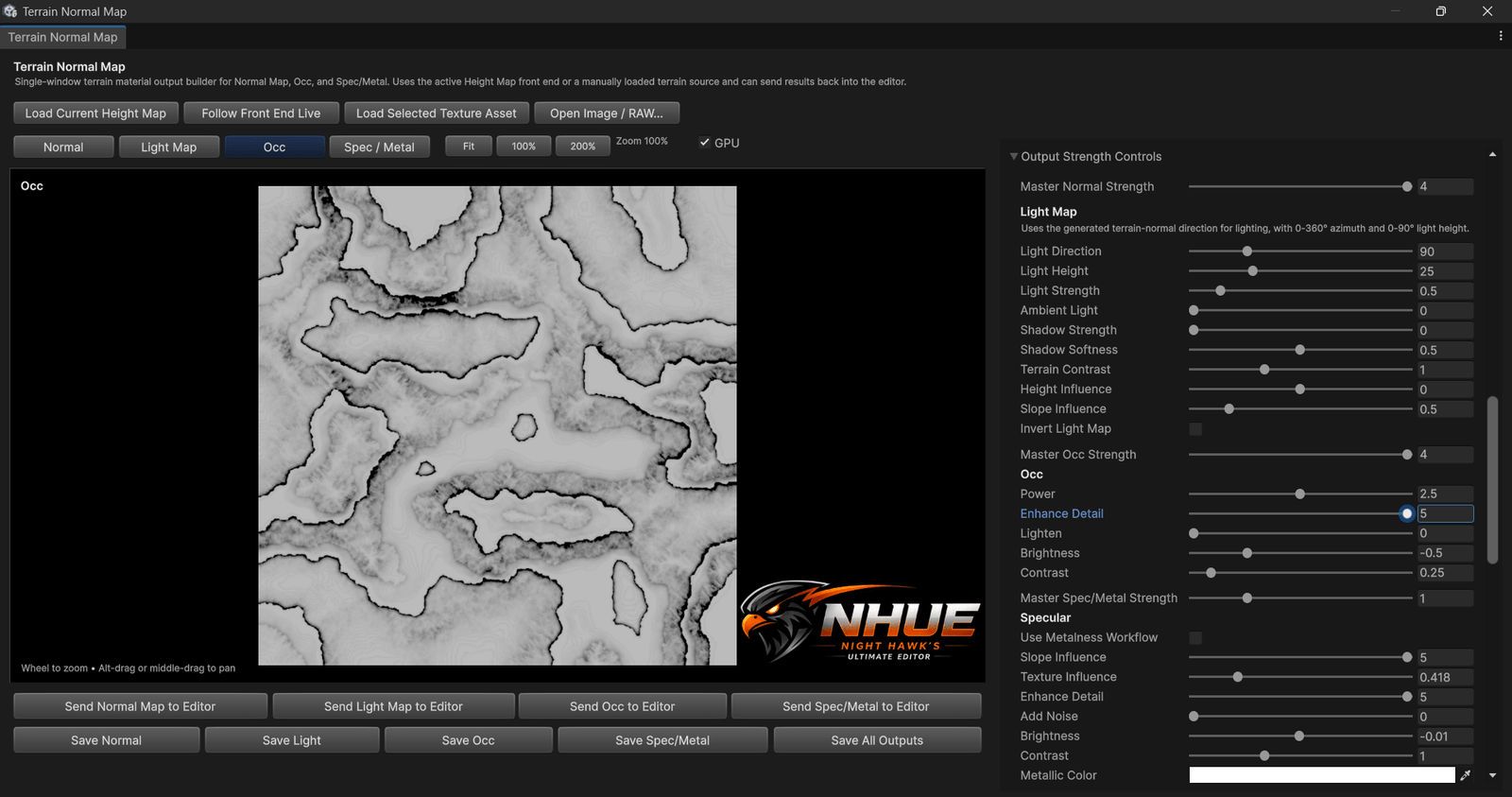
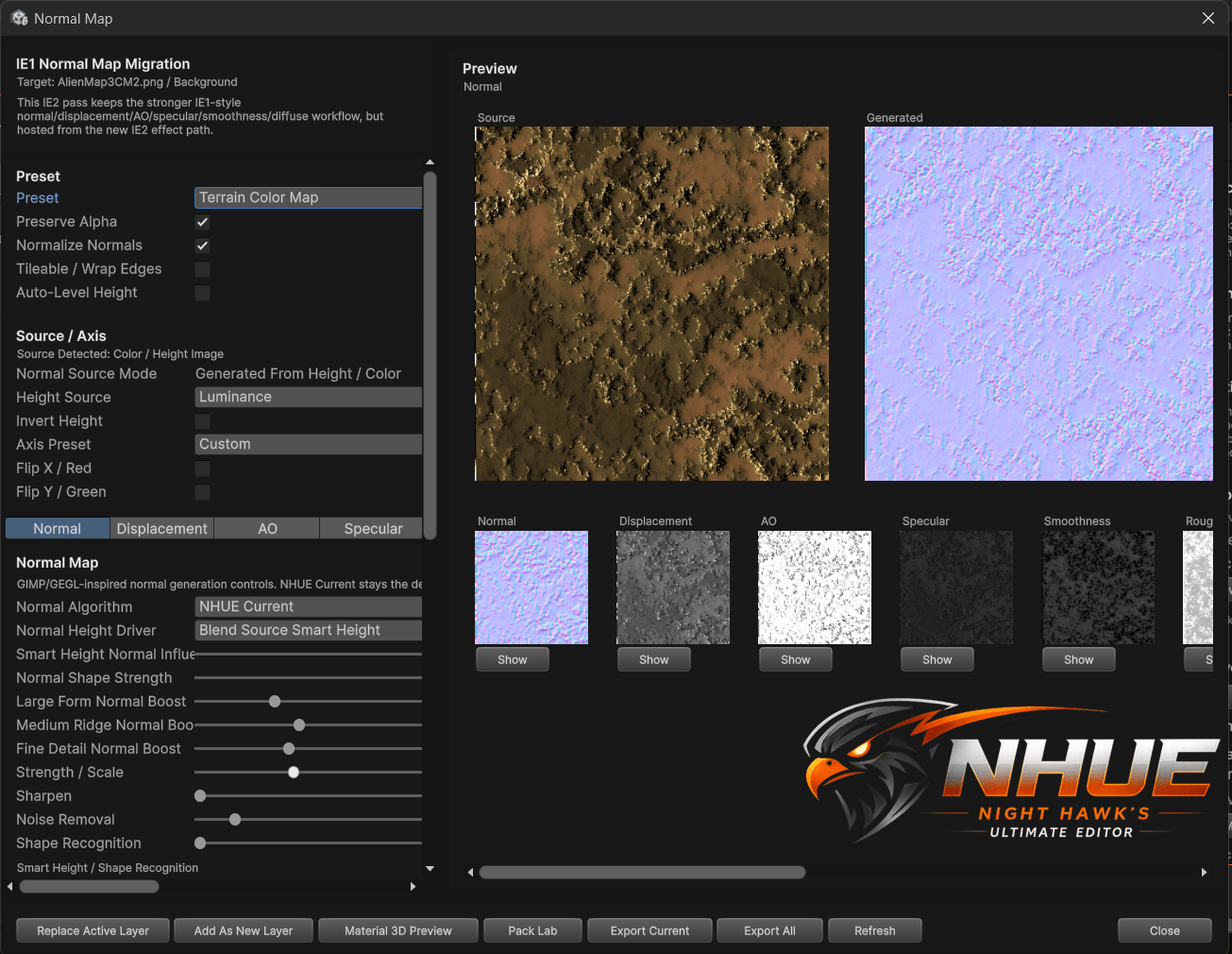
Normal Map Output
Terrain normal map generation with source preview, output preview, and terrain-signal controls.
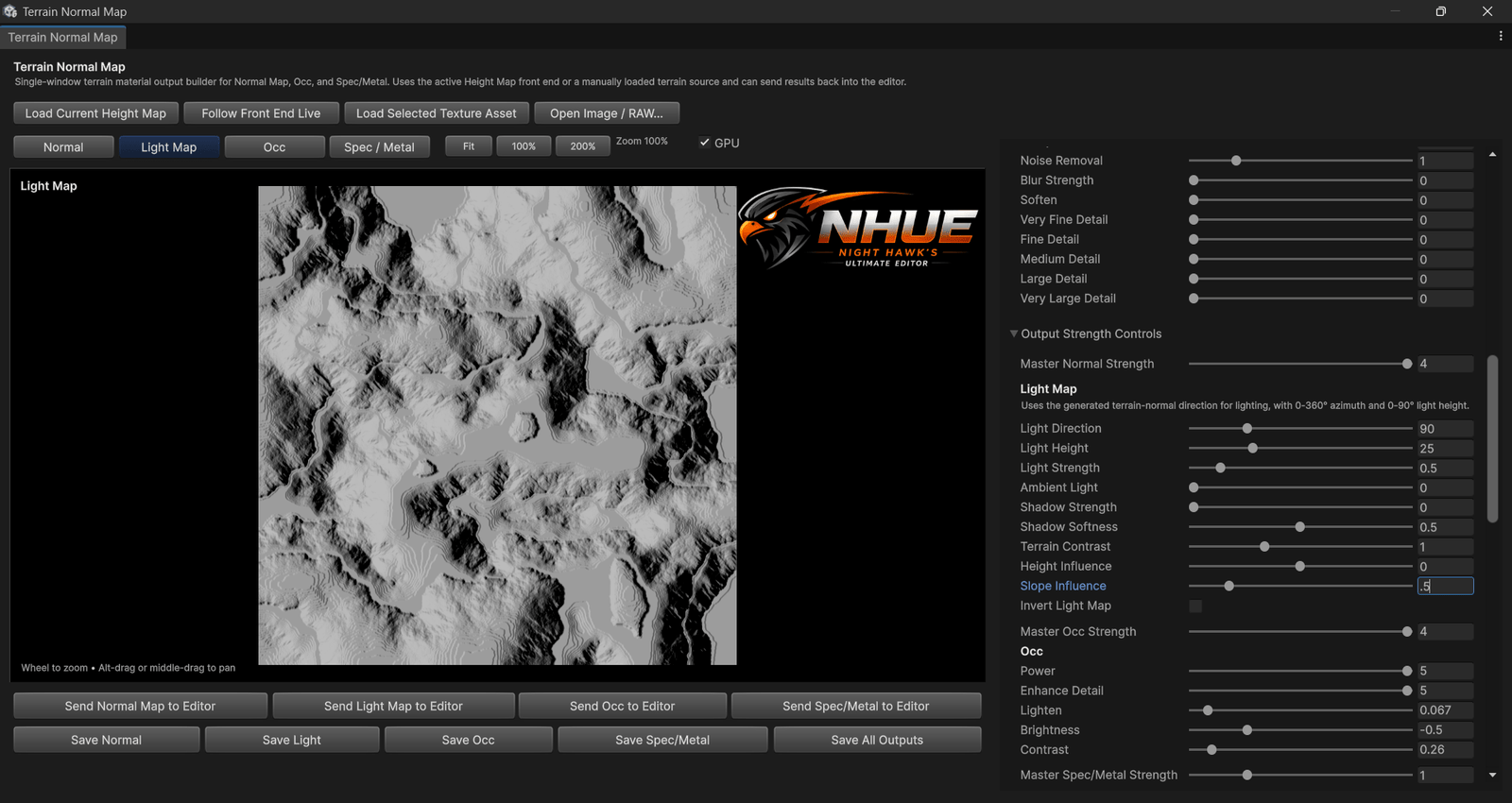
Light Map Output
Terrain light-map preview and output tools for shaded surface-map workflows.
Prefab and resource editing workflows.
The Resource Editor is meant to become a main workspace for Unity prefab/resource creation and editing, not just a file browser.
Clean Resource Preview
A larger prefab/resource preview shown with the Resource Editor workspace, hierarchy, inspector, and screenshot-ready presentation.
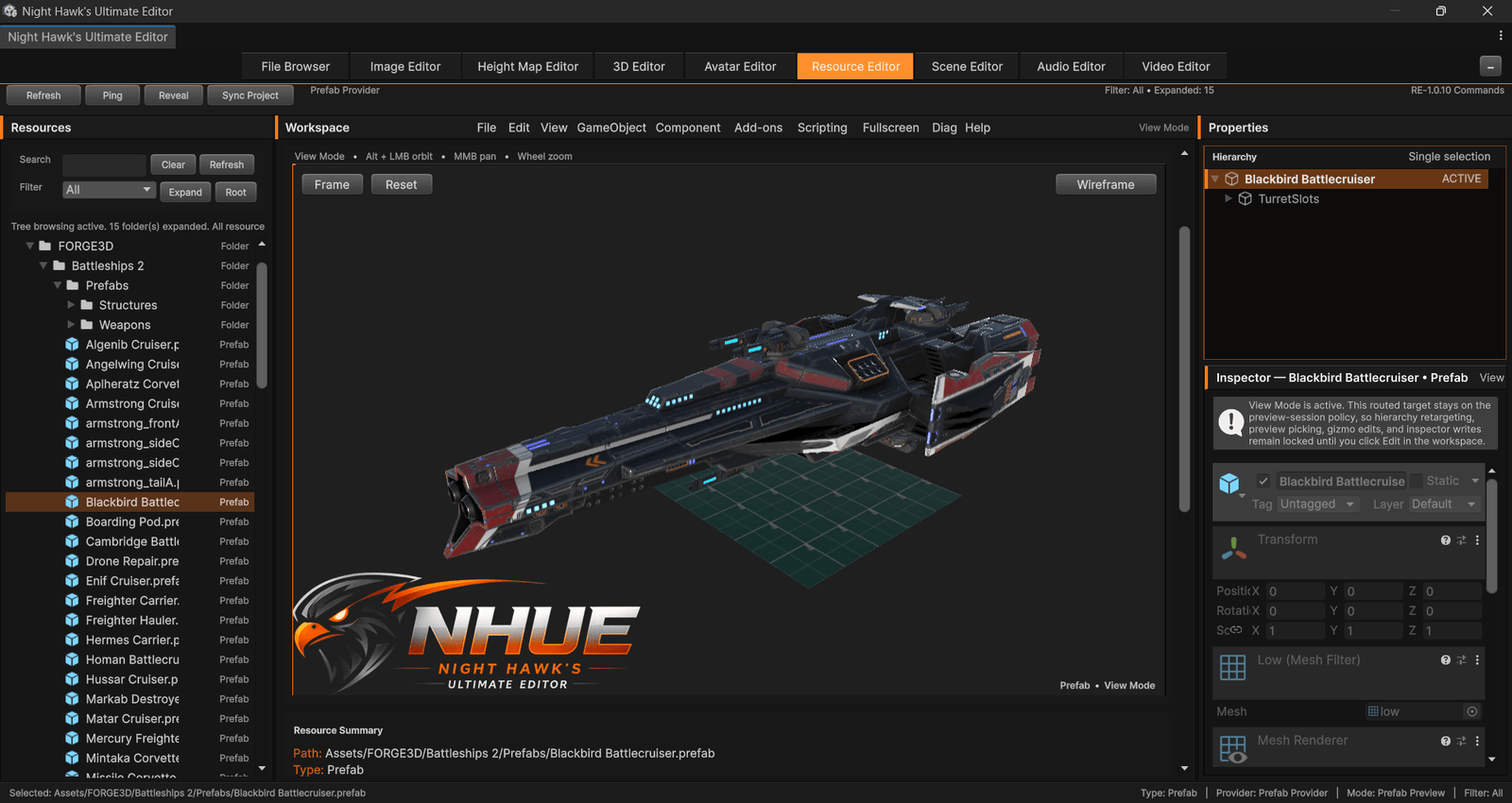
Prefab Edit View
Resource Editor edit-mode style workflow with the selected prefab, hierarchy, inspector, and live preview visible.
Screenshot Preview Mode
Resource Editor preview/edit workflow with panel control, live view, hierarchy, inspector, and screenshot-ready presentation.
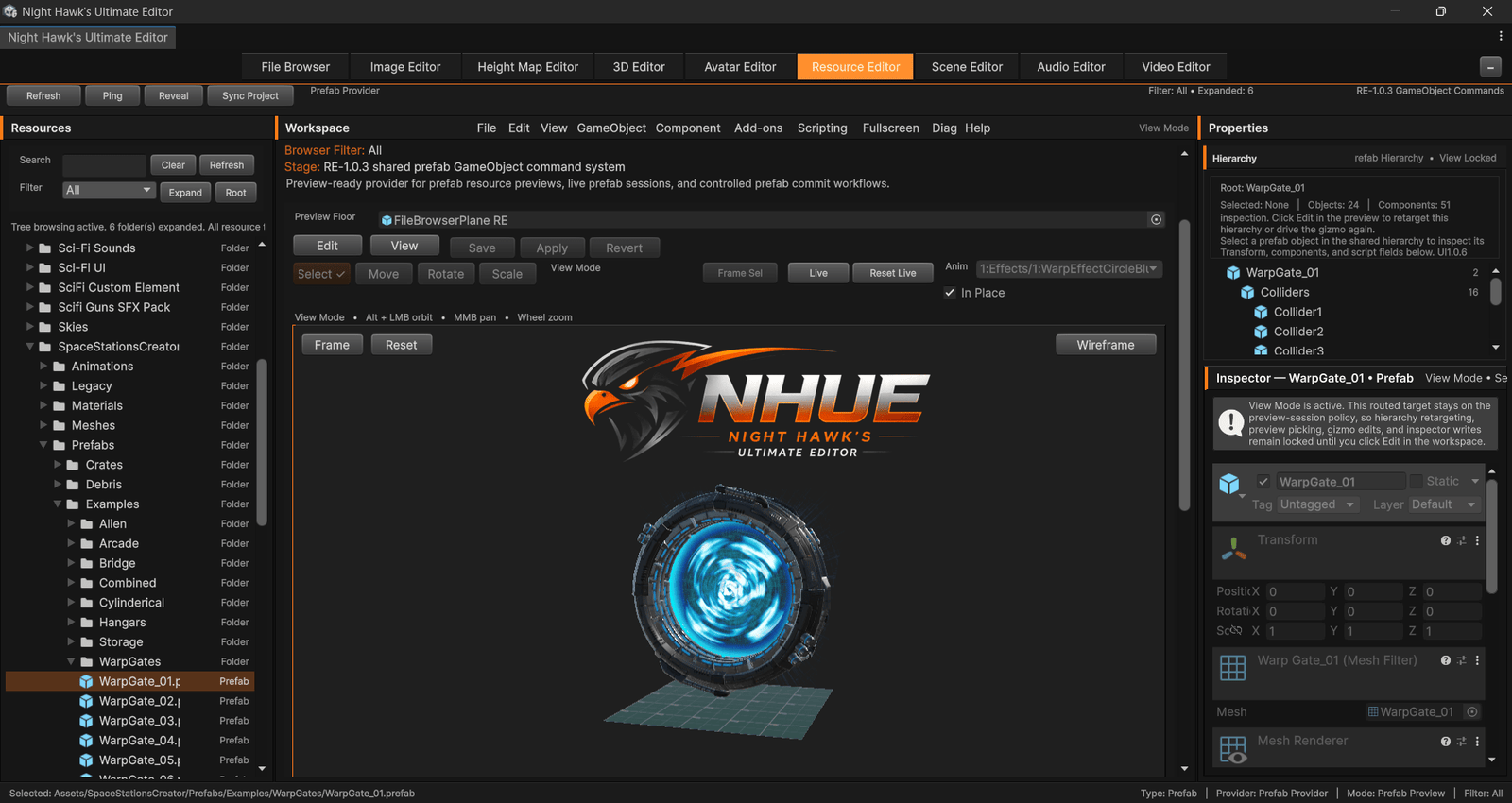
Prefab Preview
Previewing real project resources with the Resource Editor workspace and inspector panels.
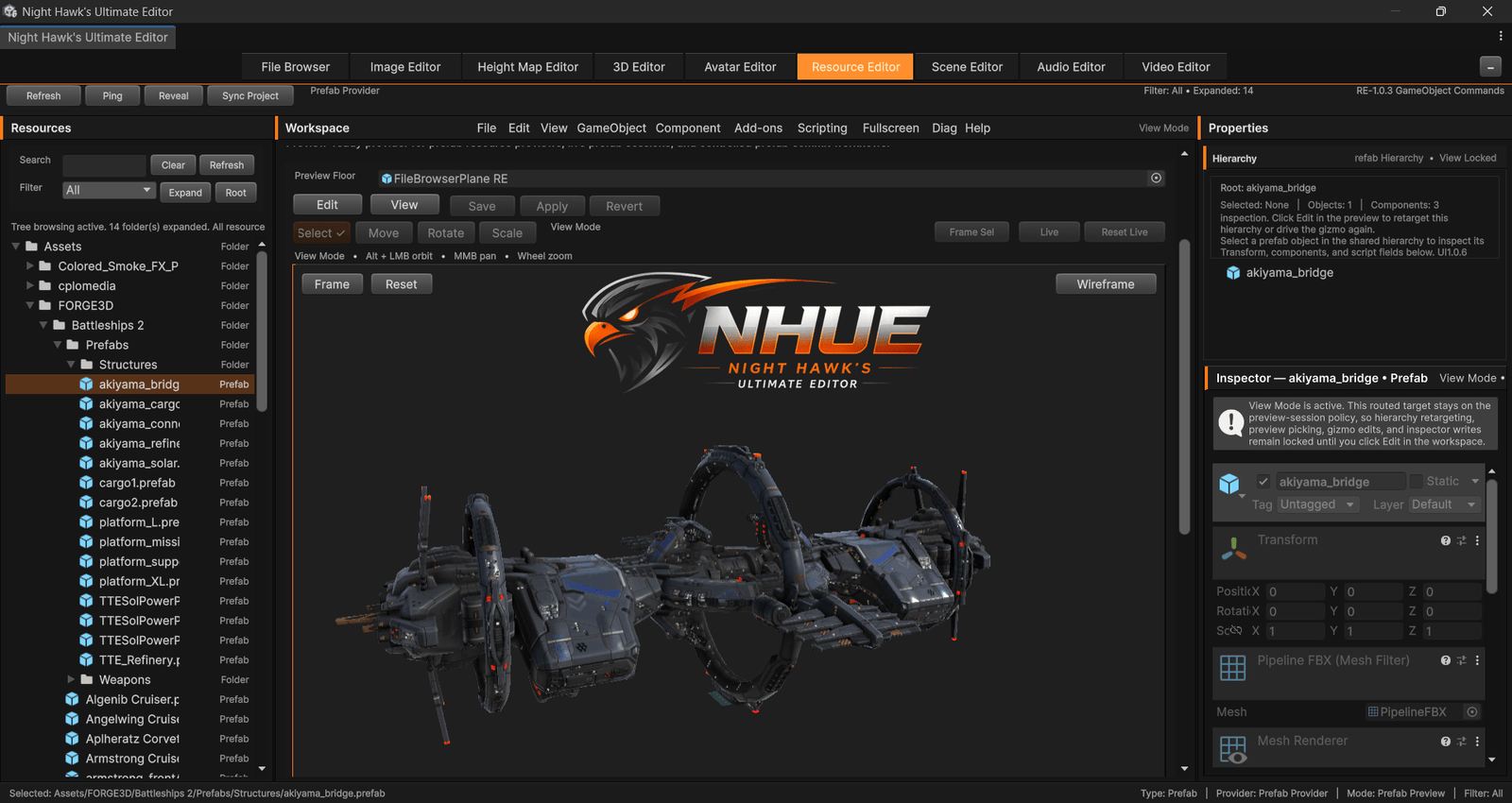
Resource Workspace
Resource tree, preview, hierarchy, inspector, and prefab-focused editor workflows.
More Areas Coming Into View
NHUE is being built as a full creative suite, so the gallery can keep expanding as new tools, editors, screenshots, tests, and polished workflows are added. Avatar Editor screenshots will wait until there is a public-safe preview.
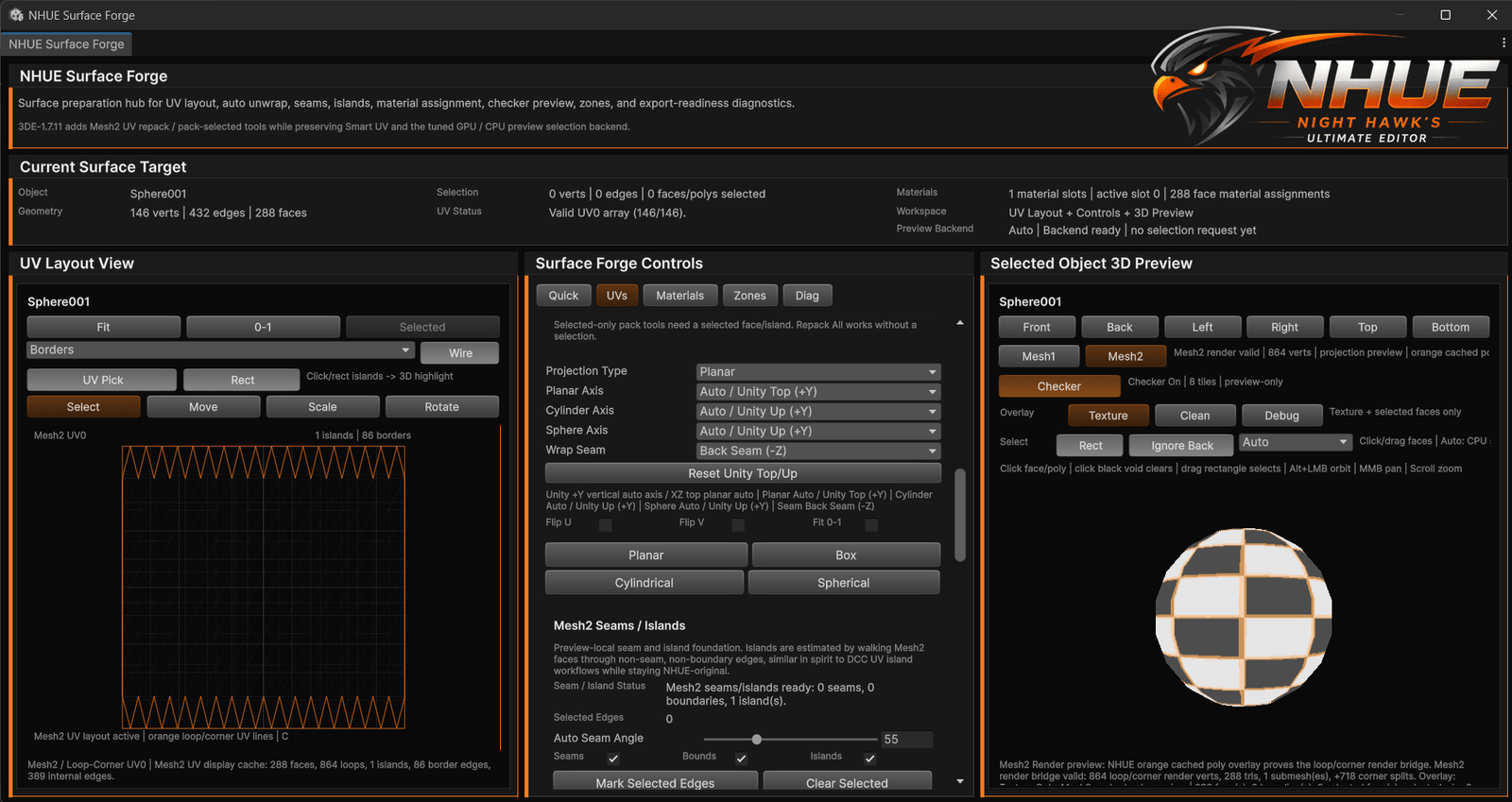
Surface Forge
UV and surface tools designed to help turn models into cleaner, more usable game-ready assets.
Terrain Preview
Terrain generation, final preview, color ramps, clean captures, and terrain output workflows.
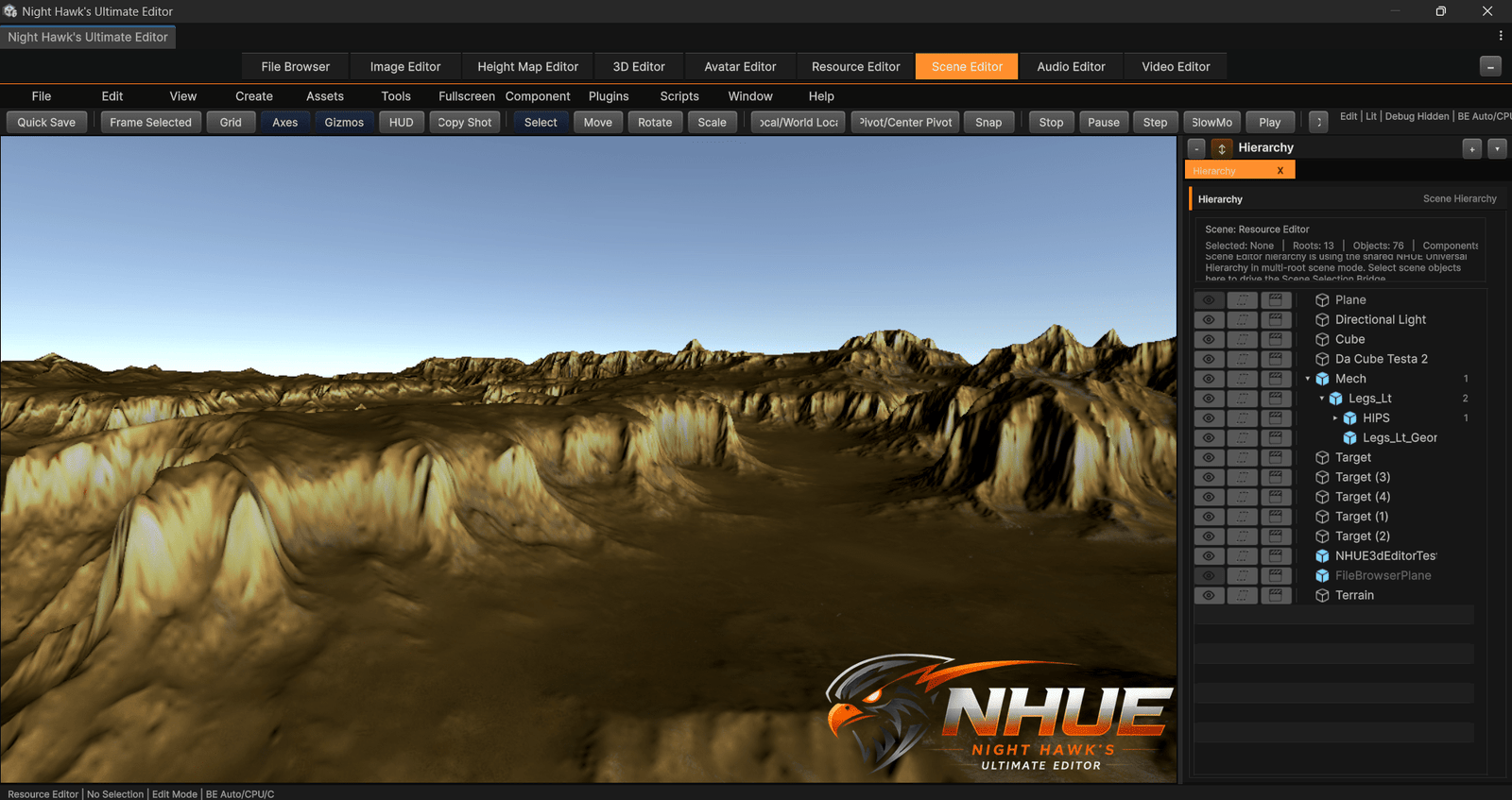
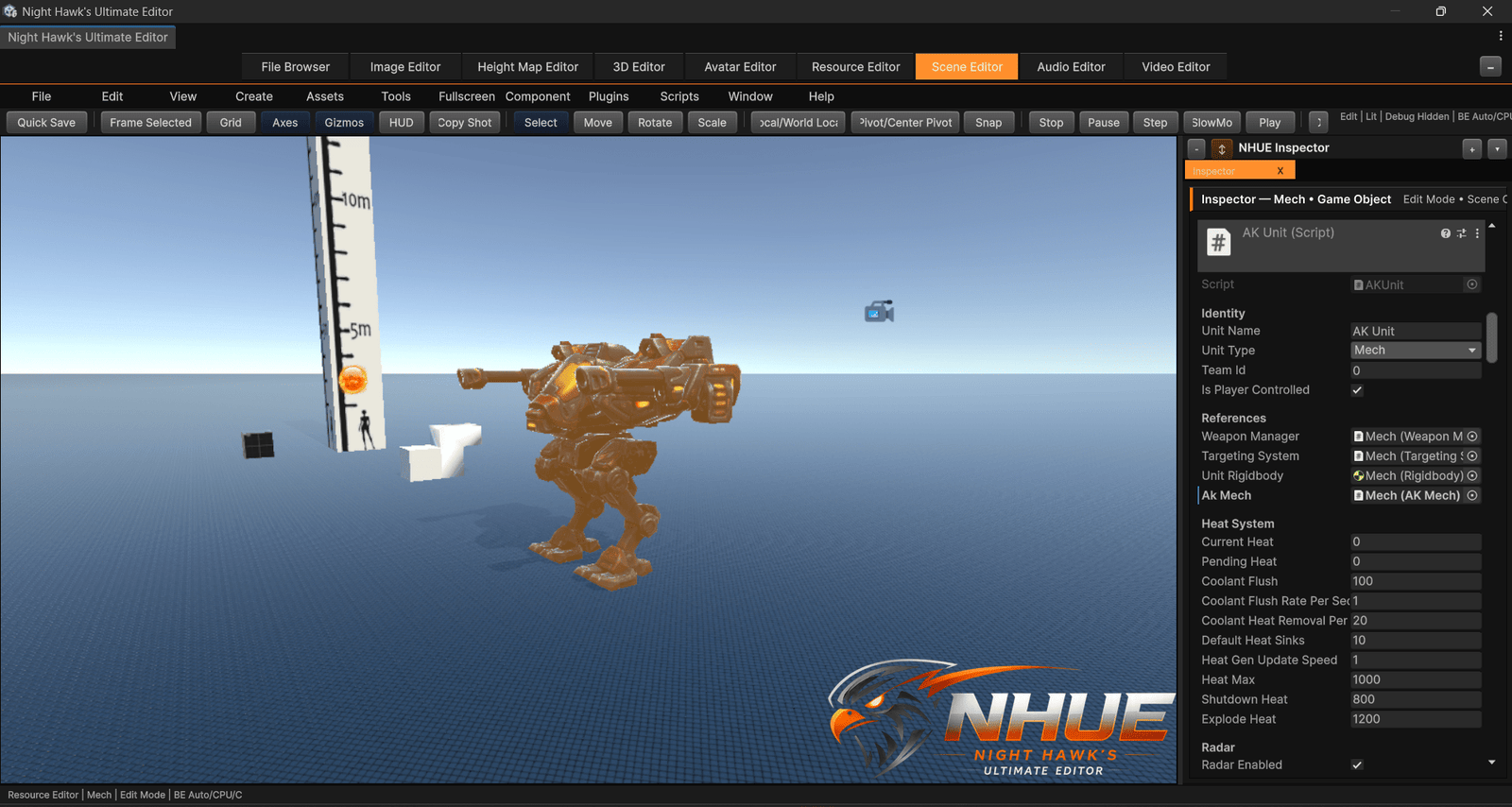
Scene Editor
A scene-building workspace for hierarchy tools, viewport work, object organization, and Unity-style editing.
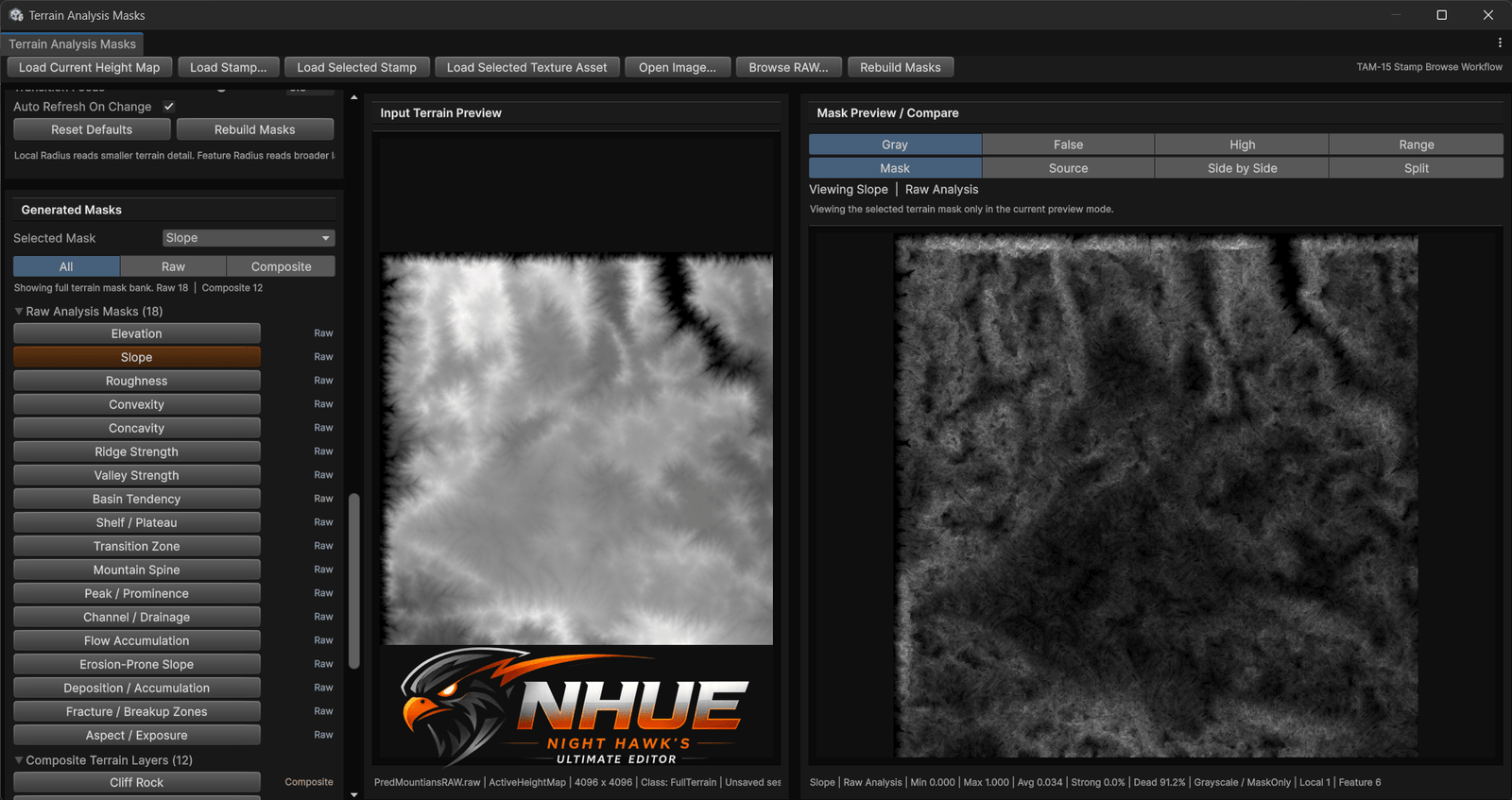
Terrain Asset Manager
Terrain workflow tools for organizing, previewing, and managing worldbuilding assets inside NHUE.
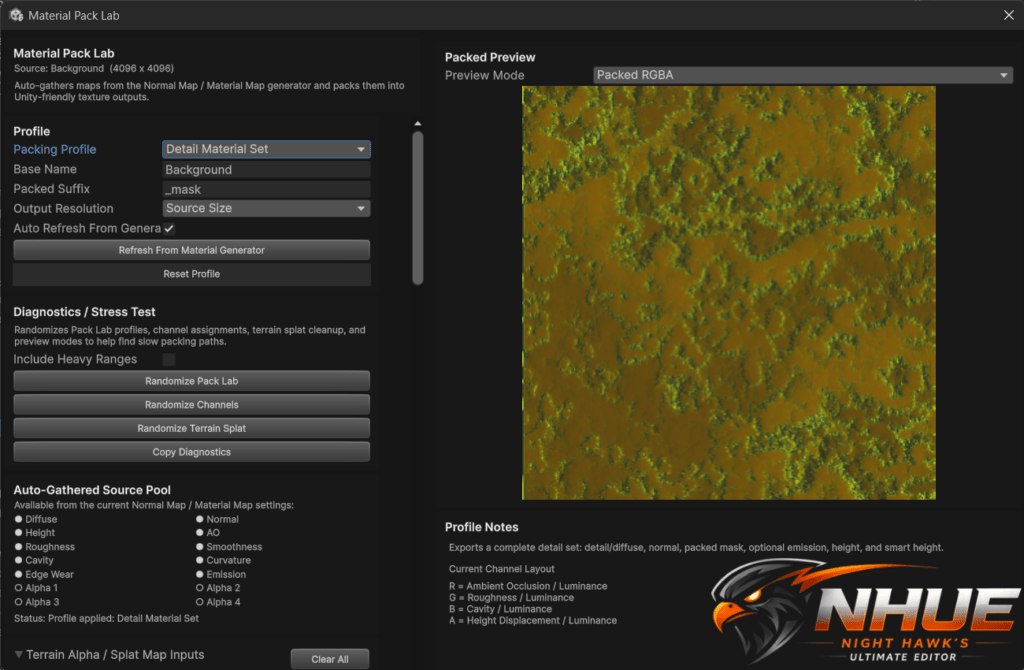
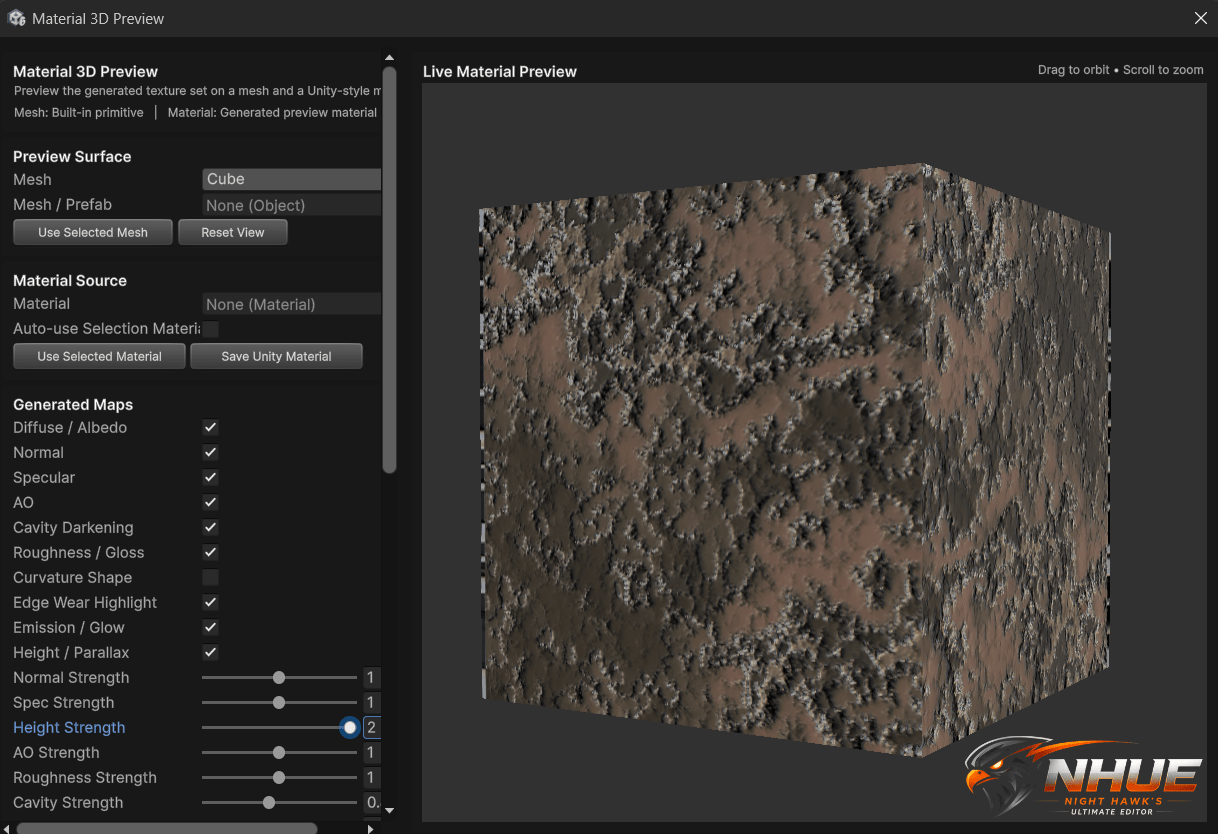
Material Workflows
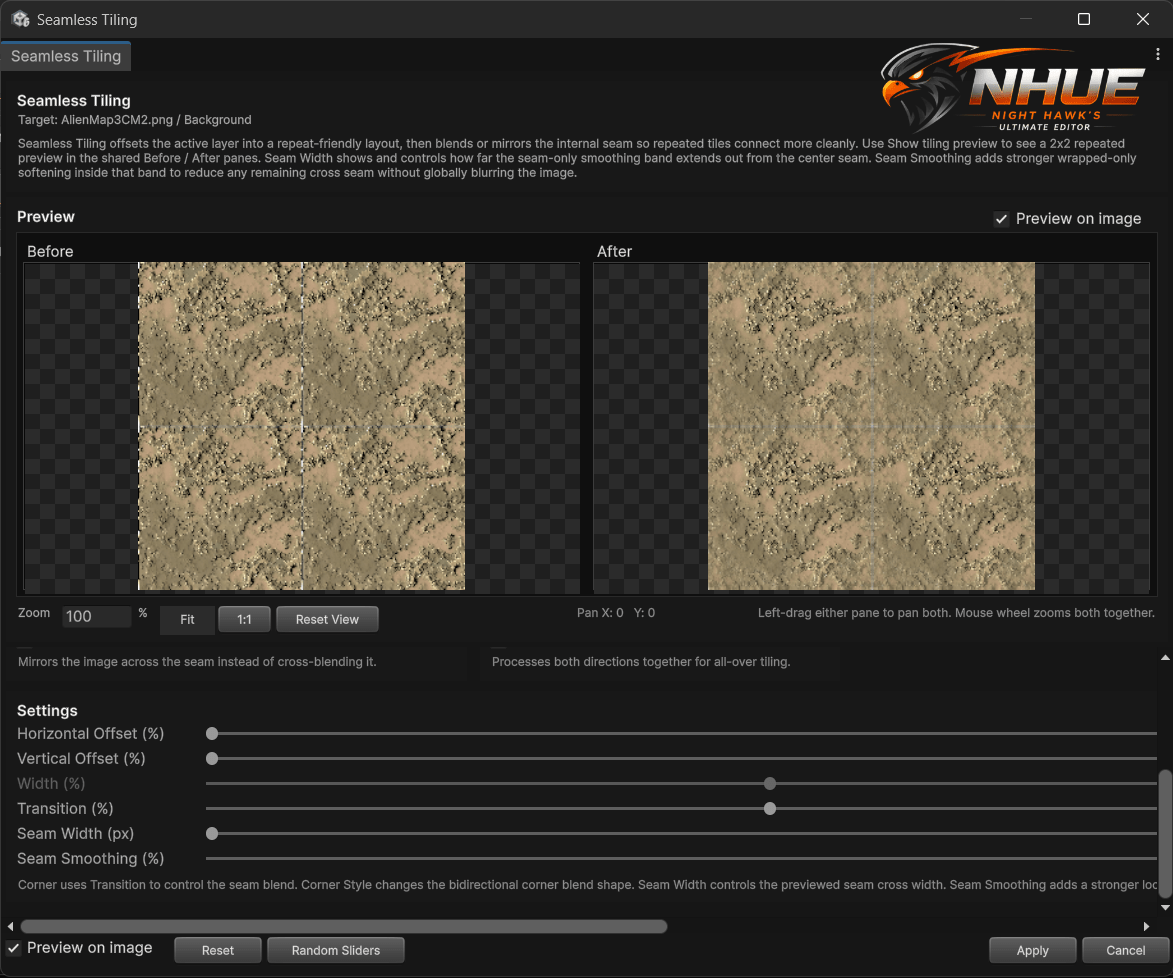
Image, normal map, material map, and texture preview features continue growing into a larger asset workflow.
Built in the open, one screenshot at a time.
This gallery is not just pretty pictures. It is a look at NHUE growing piece by piece: tools being tested, modules getting polished, panels becoming cleaner, and the editor identity getting stronger.
More NHUE Development Shots
A cleaner screenshot wall for extra captures. Visitors can click images to view the larger version where available.
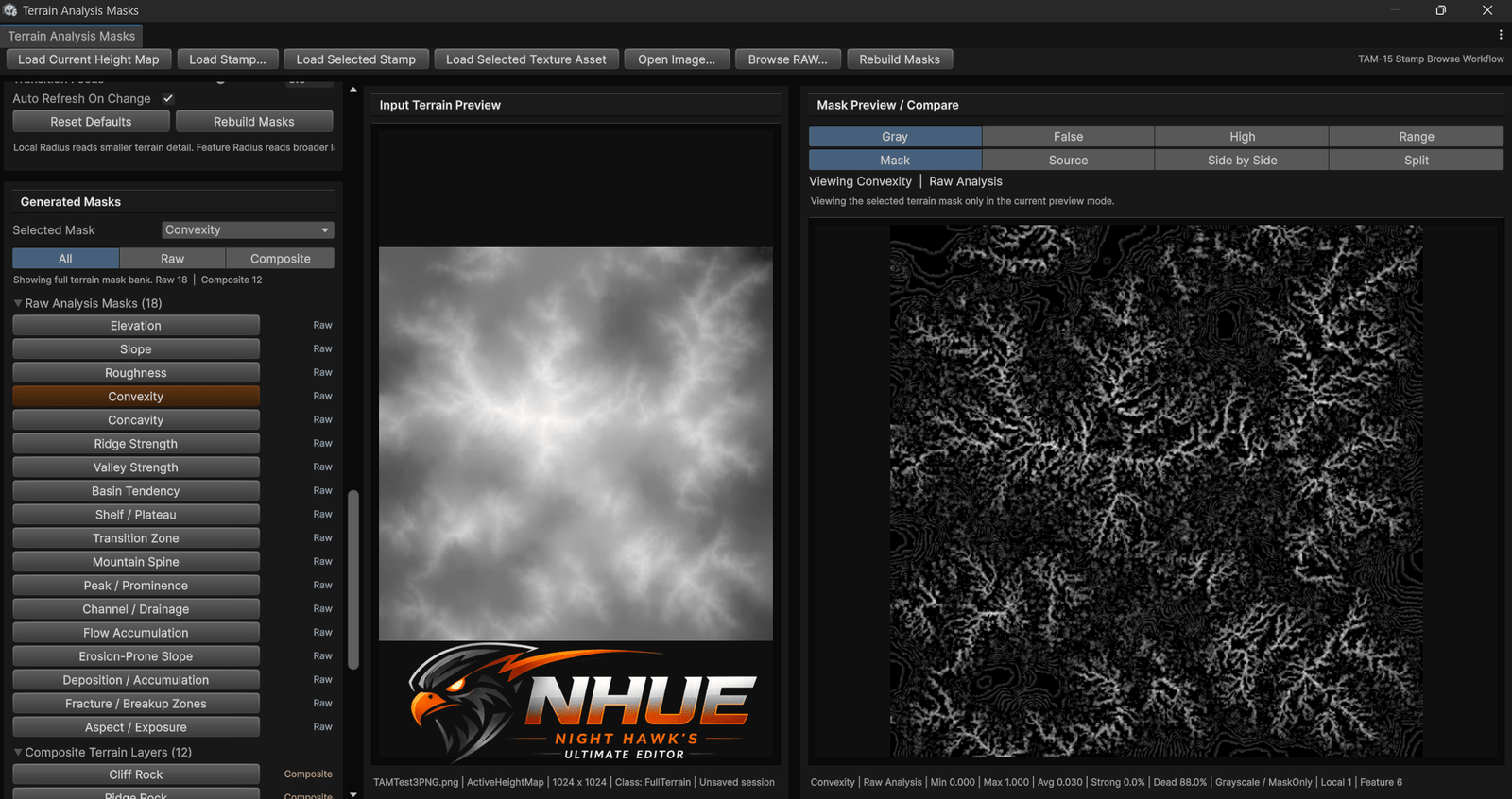
More NHUE Screenshots Coming Soon
Night Hawk’s Ultimate Editor is still in active development, and this gallery will keep expanding with new FTP maps, Resource Editor material previews, Surface Forge shots, Image Editor updates, and more polished workflows.
Explore NHUE Features