

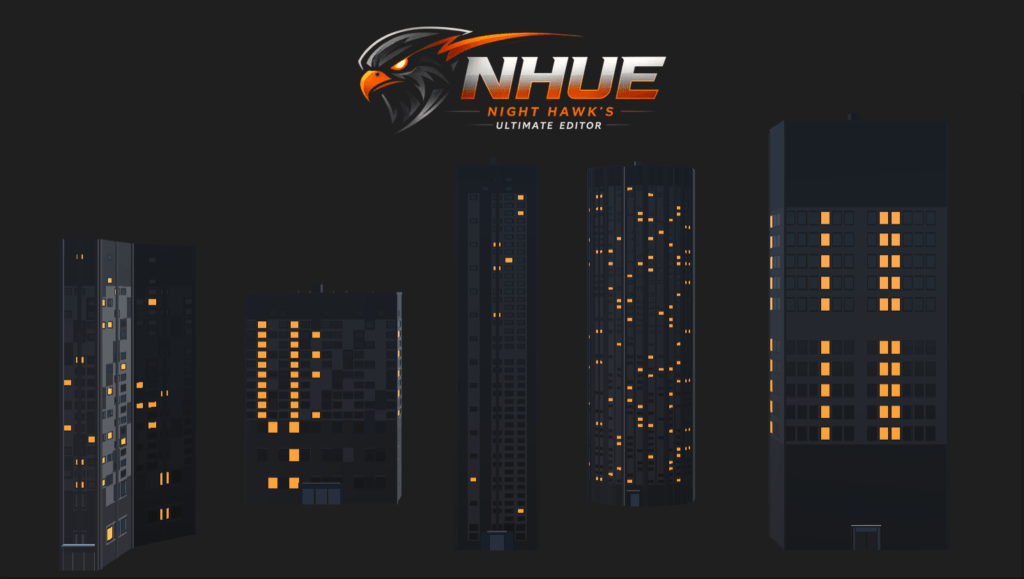
NHUE 3D Editor Update: The Skyscraper Generator Is Finished
I have been working on a pretty big update for the NHUE 3D Editor, and this one has been a lot of fun. The Skyscraper Generator is now finished for this stage, and honestly, it turned into a much bigger system than I first planned.
At the start, the idea was simple enough: make a tool that could generate skyscrapers inside NHUE. But as I kept working on it, I started thinking about all the things I would want if I was actually using it. Different building shapes, different roofs, more control over windows, better looking entrances, material slots for the different parts, presets, and enough variety that the buildings do not all feel like the same box with windows slapped on it.
That is one of the coolest parts about making your own tools. You are not stuck waiting for someone else to add the thing you want. If the tool needs a feature, you can build it. If something feels too limited, you can expand it. If you suddenly think, “Hey, this would be awesome with a helipad roof or a rooftop pool,” you can just go add it.
That is pretty much what happened here.
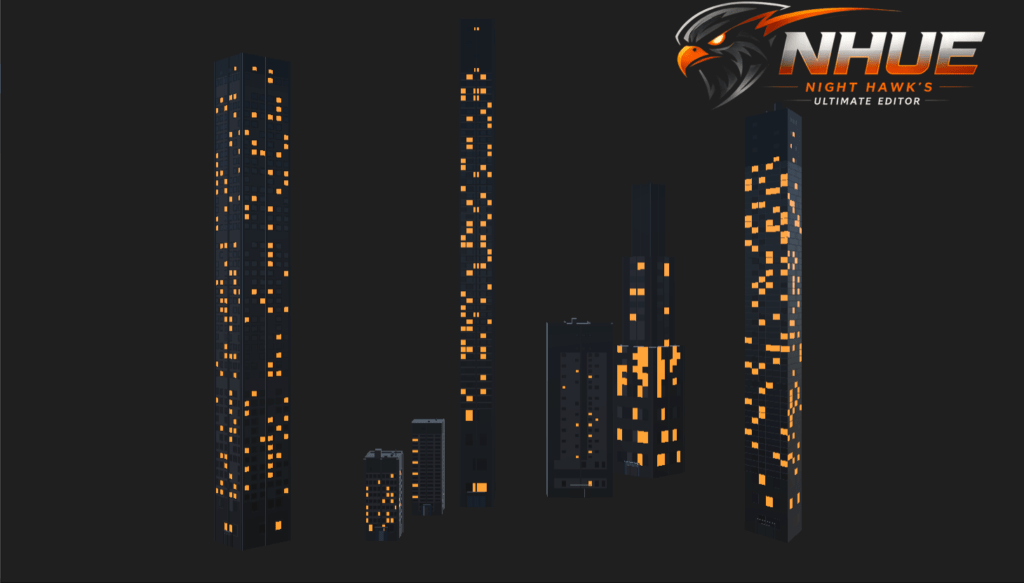
The Skyscraper Generator is now part of the Architecture / Building Generator direction inside the NHUE 3D Editor. It is made to create modern building shapes quickly, while still giving enough control to make them feel different from each other. It is not meant to be a one-click “same tower every time” tool. The goal is to make it easy to experiment with building ideas and get something useful on screen fast.
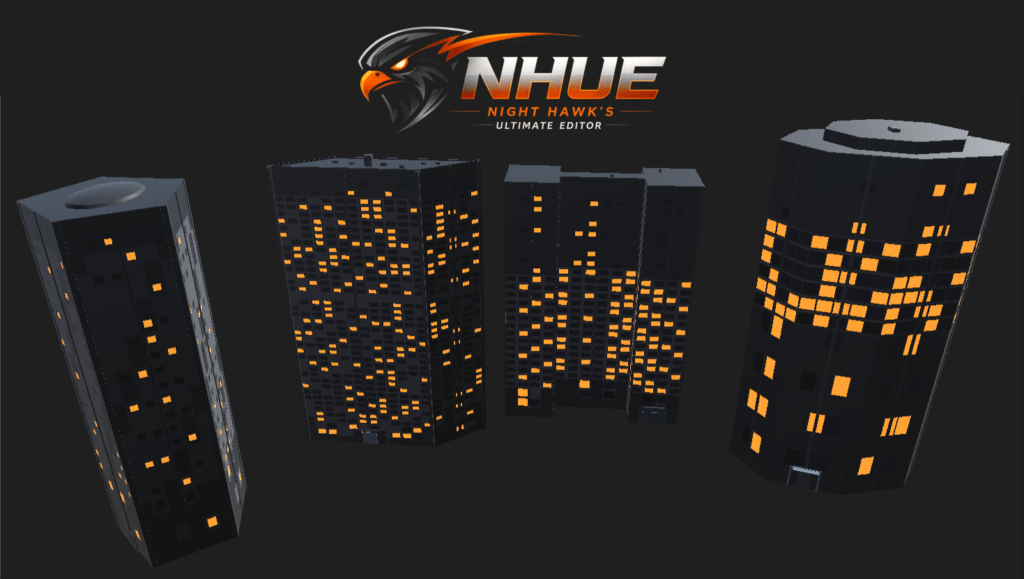
One of the biggest upgrades is the footprint system. Instead of only making simple rectangular buildings, the generator now supports a whole set of building shapes. You can make rectangle towers, diamond towers, L shaped buildings, T shapes, cross towers, courtyard layouts, H shapes, stepped towers, triangle towers, trapezoids, pentagons, hexagons, octagons, chamfered buildings, Y shaped towers, stacked towers, podium and tower layouts, twin towers, bundled towers, tapered towers, rounded buildings, star/radial shapes, and more.
That gives the generator a lot more personality. A skyline looks way better when the buildings are not all using the exact same footprint. Even just changing the base shape can make the whole building feel like a different type of structure.
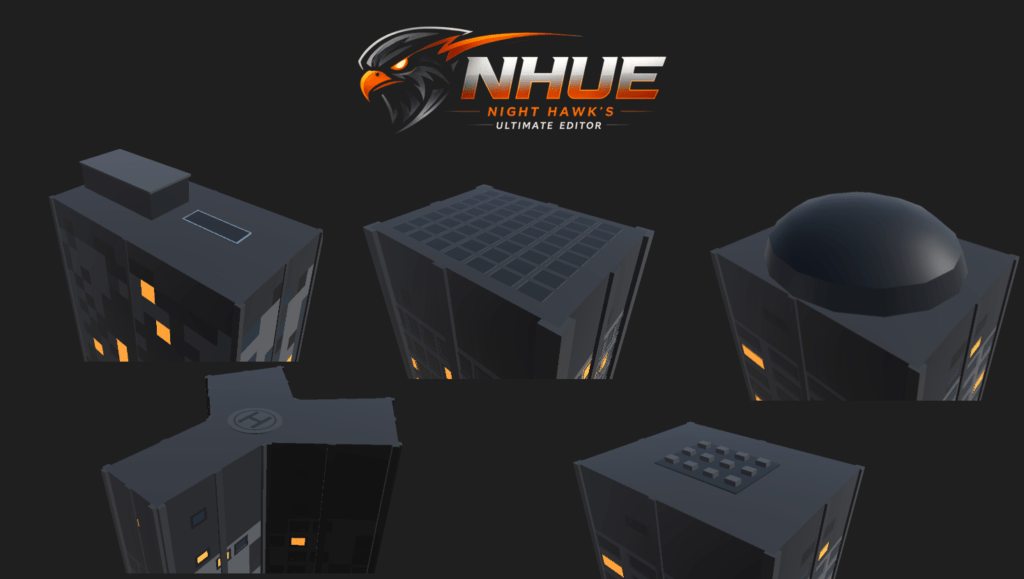
The roof system also got a huge pass. This was one of the areas where the generator started to feel more complete. There are now 20 roof types, including flat roofs, parapets, overhangs, domes, pyramid roofs, stepped crowns, mechanical roof decks, penthouse and pool setups, glass crowns, antenna and spire roofs, helipads, green roofs, twin caps, open terraces, industrial sawtooth roofs, curved barrel roofs, stacked cap designs, solar panel roofs, sky lounge roofs, and split-level platform roofs.
That part is really fun to play with because the roof can completely change the feel of the building. A simple tower with a flat roof feels like one thing. Add a glass crown or sky lounge and suddenly it feels more like a landmark building. Add a helipad or mechanical roof deck and it starts leaning more commercial or industrial. Add a green roof or pool and it feels more like a hotel, apartment tower, or mixed-use building.
The generator also has more detail now on the actual face of the building. Windows, frames, columns, accents, floor spacing, lit window patterns, and facade styles can all help change the look. Window frames especially make a big difference because they stop the building from feeling too flat. The same goes for corner columns and center columns. Those little structure lines help break up the surface and make the tower feel more believable.
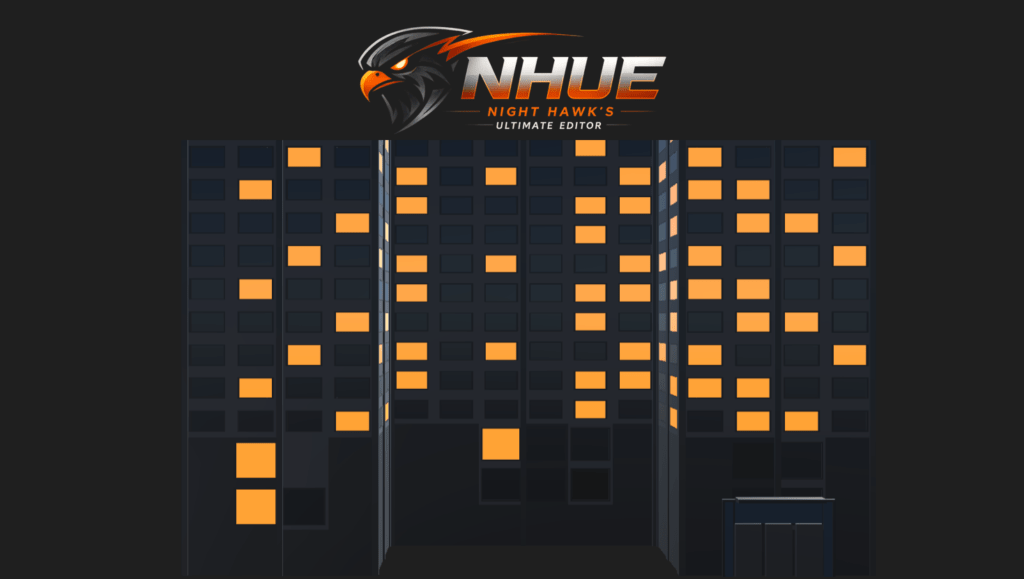
The lit window patterns are another thing I like a lot. They help give the building more life, especially when showing off a city-style scene. Even if it is still just generated geometry and materials, the variation makes the building feel less empty.
Entrances also got attention. The generator can add front doors, lobby glass, entrance frames, awnings, and other front-facing details. That is important because buildings can look cool from the top or side, but the entrance is what helps sell it as an actual place. Even a simple doorway at the base makes the whole model feel more grounded.
Another big part of this update is the material setup. Different parts of the skyscraper can now use their own material slots. Walls, windows, frames, roof pieces, parapets, roof equipment, entrances, pools, gardens, solar panels, and other parts can be separated instead of everything fighting over the same material.
That might not sound exciting at first, but it makes a big difference when editing the result. It means the glass can look like glass, the window frames can have their own material, rooftop details can stand out, and the building accents can be adjusted without messing up everything else. For a tool like this, that kind of control matters.
The preset system also grew a lot. There are appearance presets for changing the look of the building without changing the main form, and there are full building presets that can change the whole identity of the building. The full building presets can change the footprint, size, height, roof type, entrance style, facade setup, and other details.
That makes it much quicker to explore ideas. You can start with a preset, see what kind of building it gives you, then tweak from there. I like that workflow because sometimes you do not want to start from zero. You just want something interesting to appear, then start shaping it into what you need.
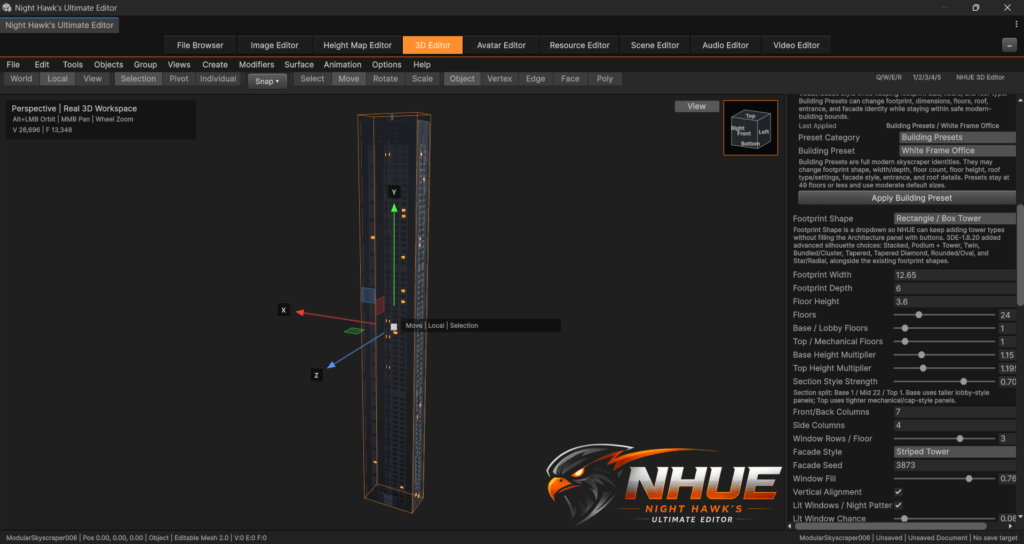
Under the hood, the Skyscraper Generator is tied into the newer Editable Mesh 2.0 direction in the 3D Editor. I do not want to go too deep into the technical side in this post, but that part matters because this is being built as part of NHUE’s newer modeling pipeline. The goal is not just to spawn throwaway preview shapes. The goal is to keep pushing NHUE toward stronger editable geometry tools.
This whole feature also reminds me why I enjoy building NHUE so much. It is not just about making one editor window or one tool. It is about slowly building up an environment where I can make the tools I wish I had. A 3D Editor, terrain tools, resource tools, image tools, surface tools, avatar tools, all connected under the same project. Every time a system like this gets finished, NHUE feels a little more like the big editor environment I have been aiming for.
The Skyscraper Generator is a good example of that. It started as one feature, then turned into a whole building generation system with presets, shapes, roof styles, material control, and visual details. It is the kind of thing that makes me excited to keep building more.
NHUE is still in active development, and there is still a lot more I want to add. But this was a really cool milestone for the 3D Editor. The Skyscraper Generator now feels like a real tool inside NHUE, not just a test feature.
Next up, I want to keep pushing the 3D Editor forward and continue expanding what Editable Mesh 2.0 can do. This update was a big step, and it opens the door for even more building, modeling, and procedural generation tools later on.
For now though, I am pretty happy with this one.
The Skyscraper Generator is in, it is working, and it is awesome seeing NHUE generate full buildings right inside its own 3D Editor.