
NH’s 3D Viewer
If you have a large collection of 3D assets, you probably know how much time you can spend opening projects just to see what you actually have.
That is one of the reasons I made NH’s 3D Viewer. I wanted a way to open models and Unity prefabs, look at their materials, try animations, and see whether an asset would fit my game.
It has grown into a standalone viewer with tools for lighting, effects, blendshapes, animation previews, and exporting assets to Flax.
More than a viewer for individual models
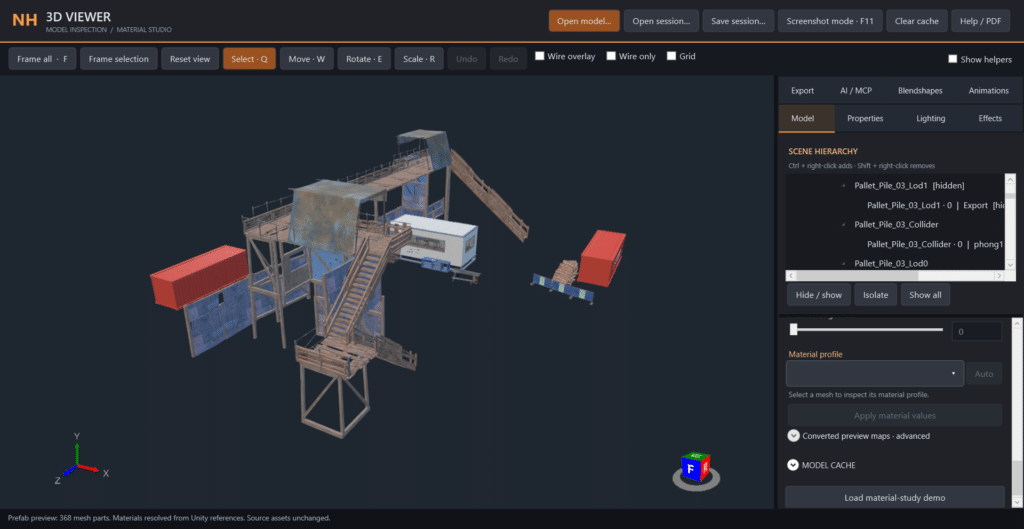
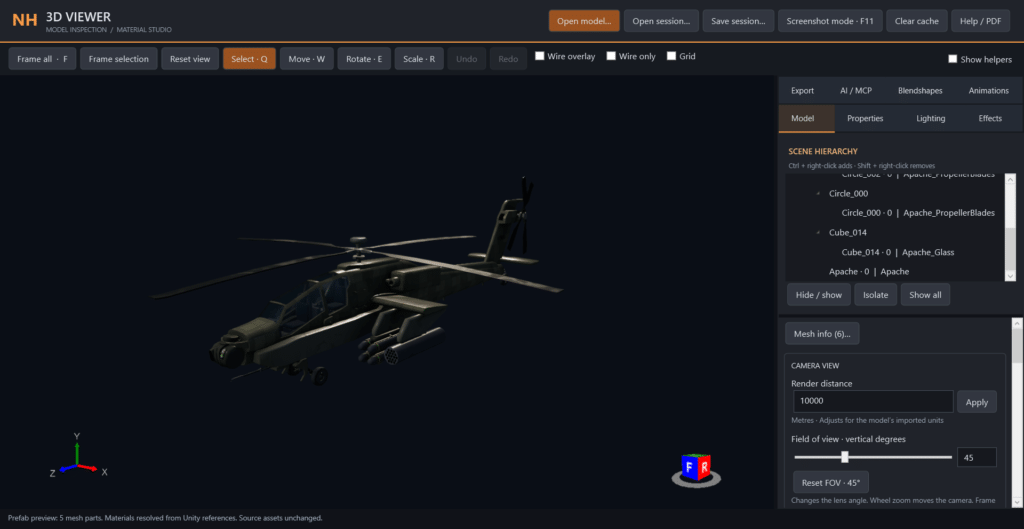
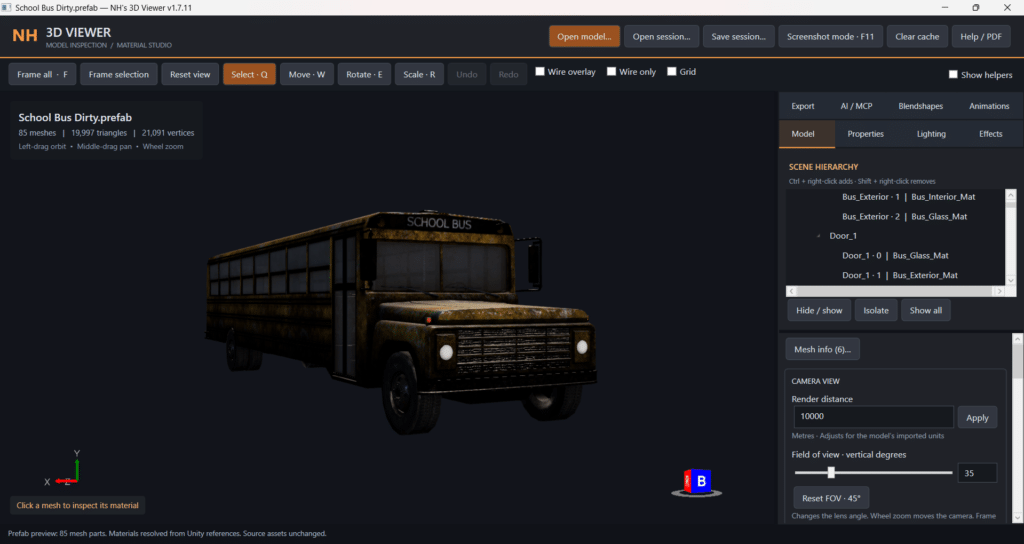
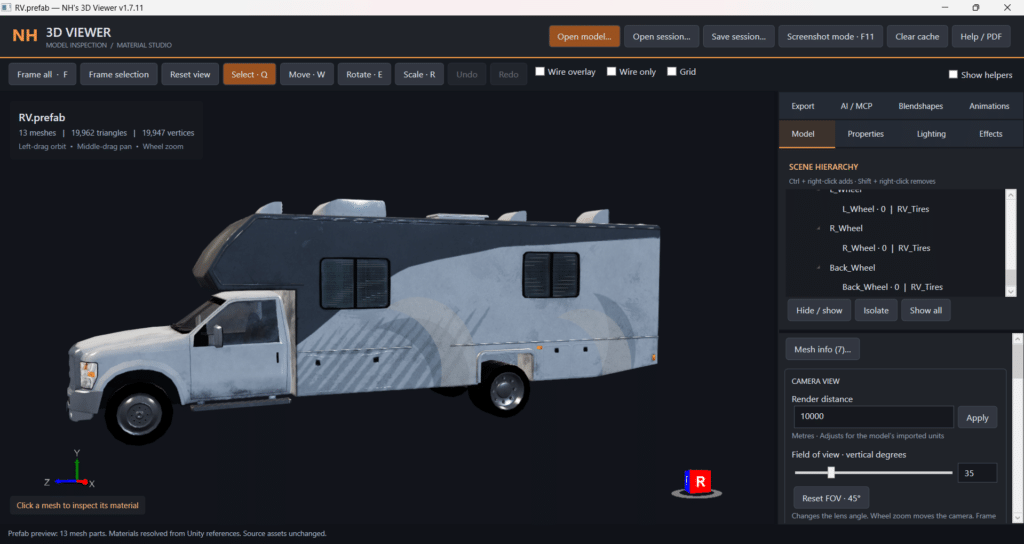
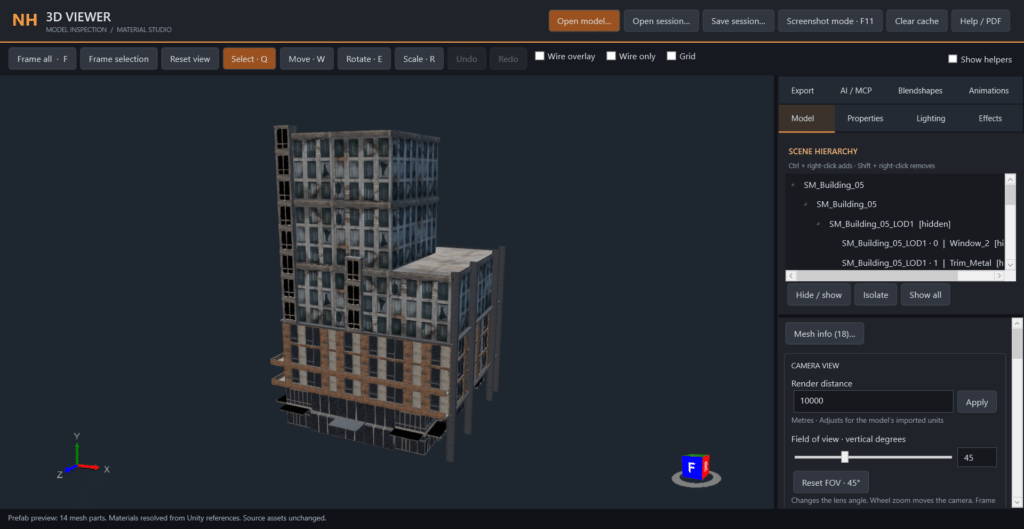
The biggest feature for me is being able to open Unity prefabs containing 3D objects.
A prefab can contain several meshes, materials, and nested objects. Being able to inspect those together is much more useful than opening an individual model and trying to work out how everything is supposed to fit.
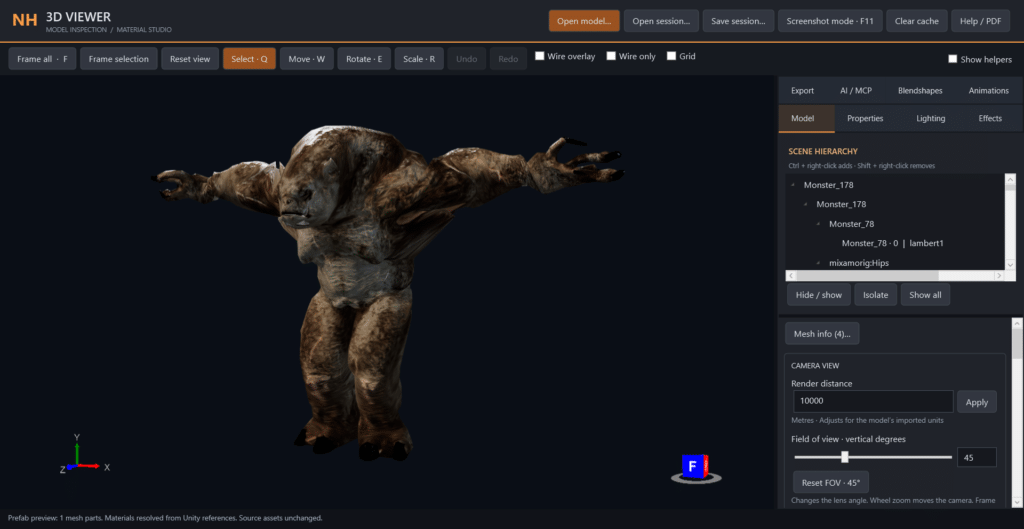
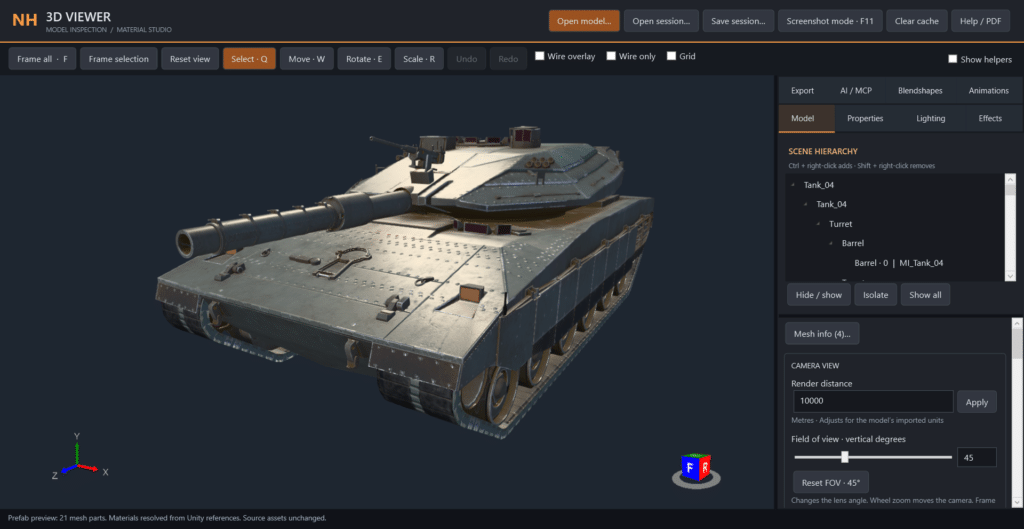
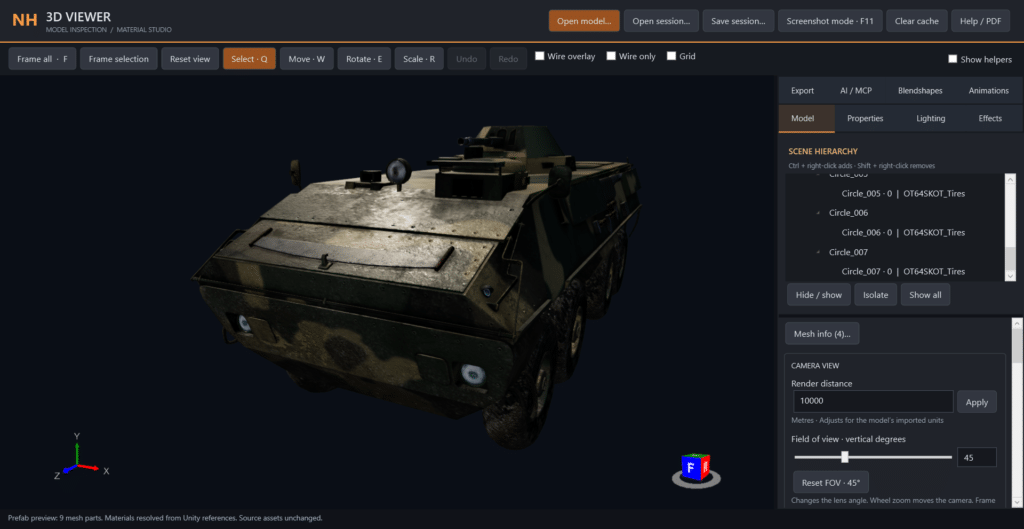
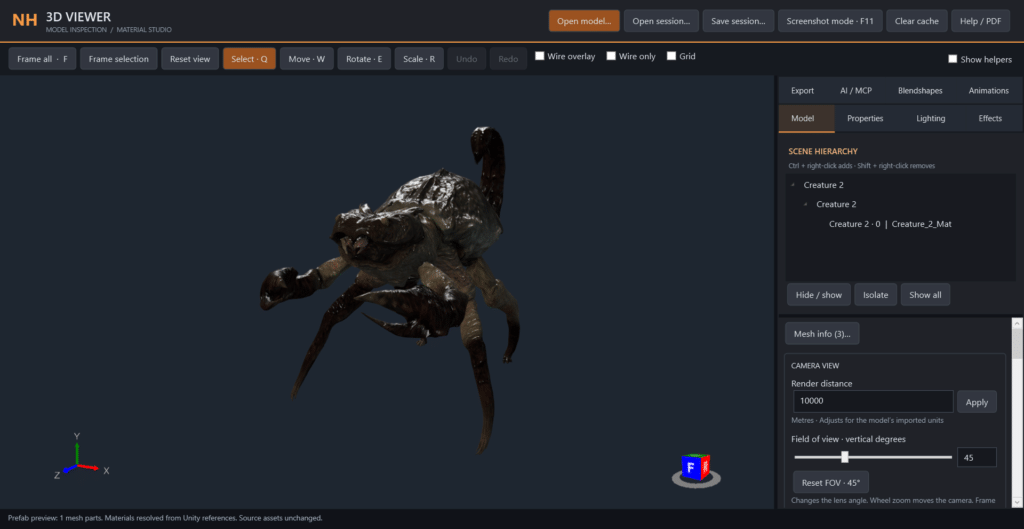
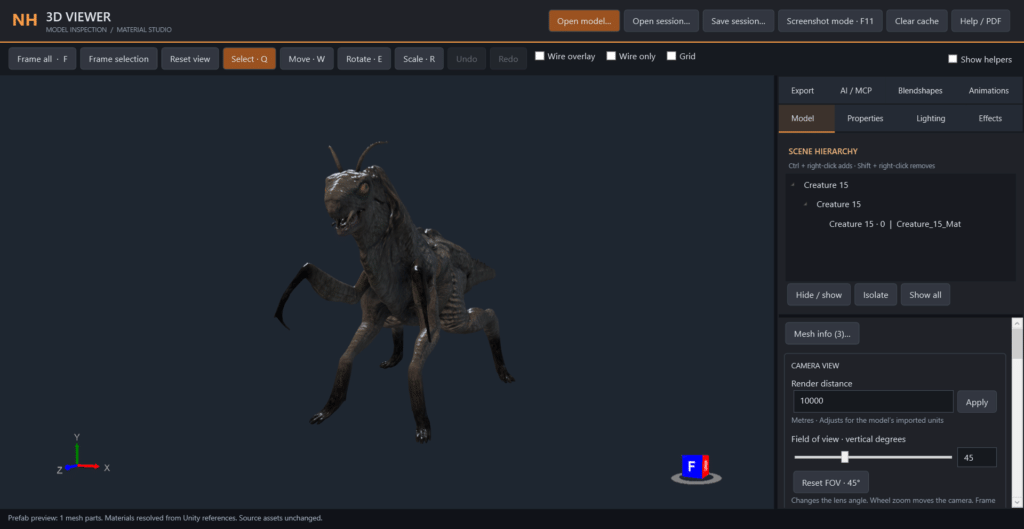
You can explore buildings, inspect vehicles, get a closer look at characters, and browse through assets you might have forgotten were even in your collection.
More than 6,000 prefabs have been tested during development. Compatibility is still growing, especially for assets with unusual shaders or custom setups.
See what your characters can do
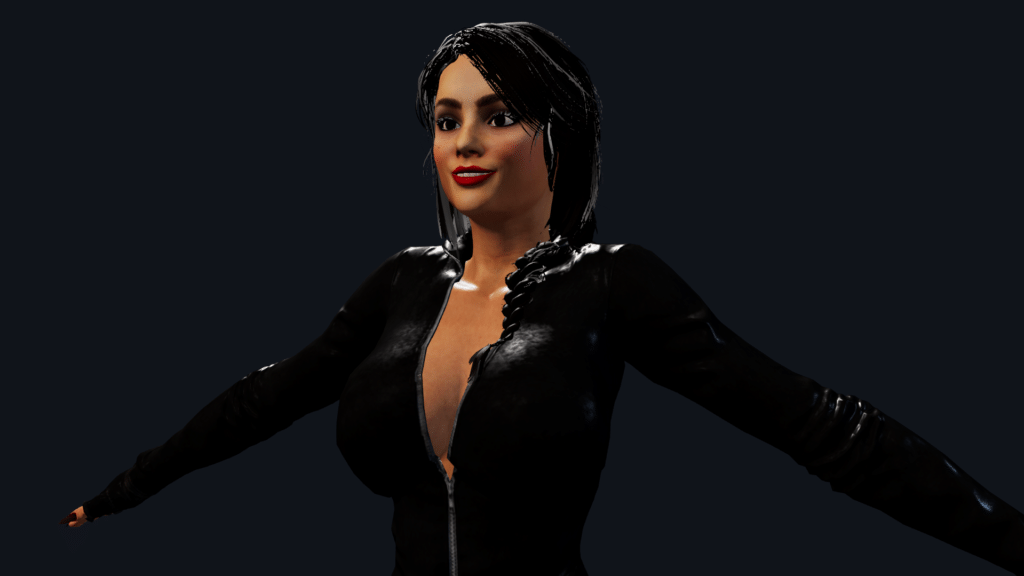
The viewer also lets you load animations and try them on compatible characters. Humanoid bone mapping helps animations work across different skeletons, while other creatures can use animations made for their own rigs.
Recent updates improved character compatibility and fixed Loop playback so it stays enabled when switching between animations.
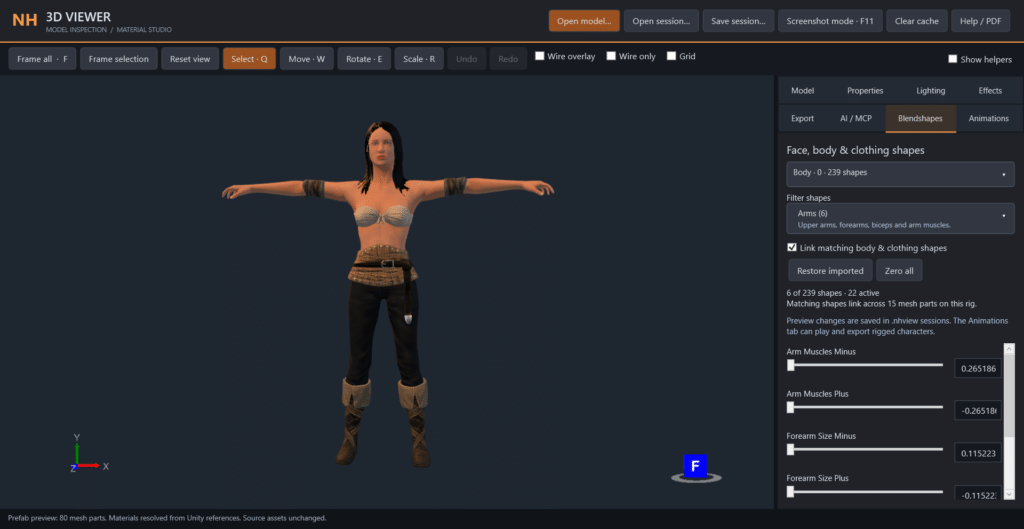
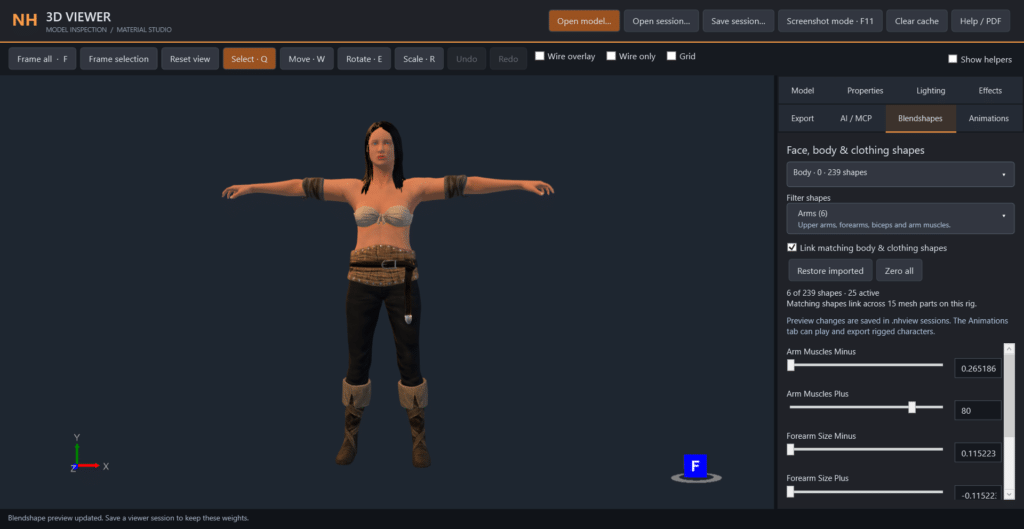
For models with blendshapes, you can adjust expressions and body shapes directly in the viewer. Supported body and clothing shapes can be adjusted together, making it easier to see how a character changes.
Lighting, effects, and a closer look
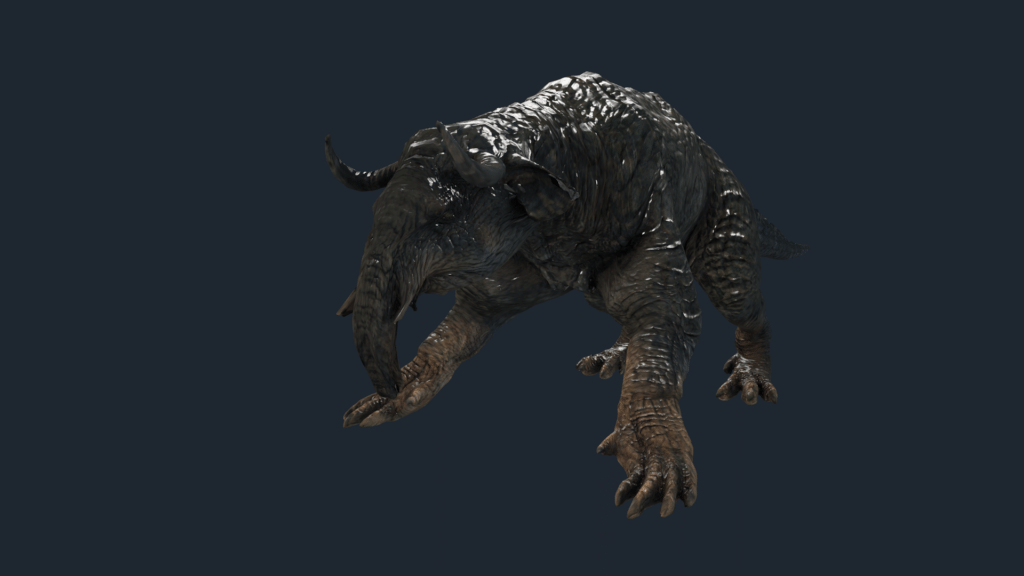
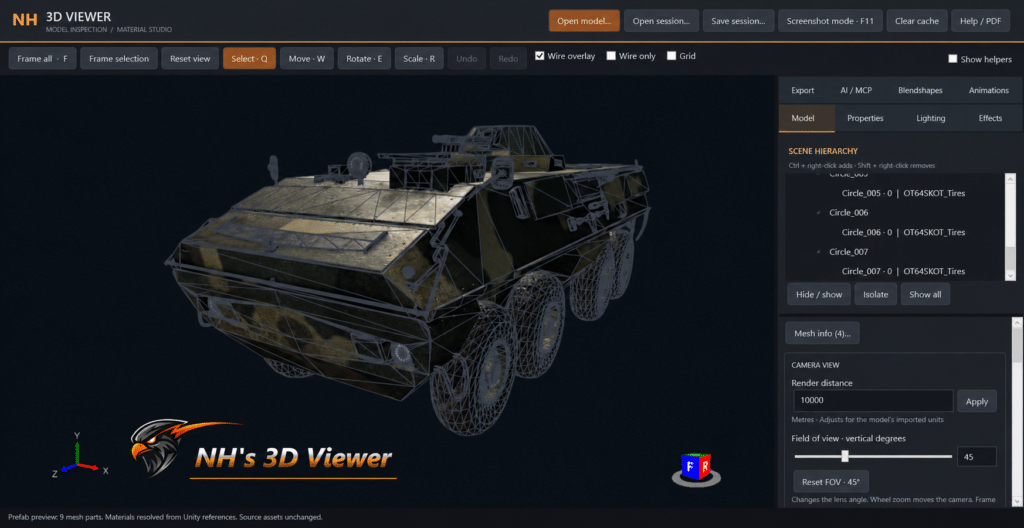
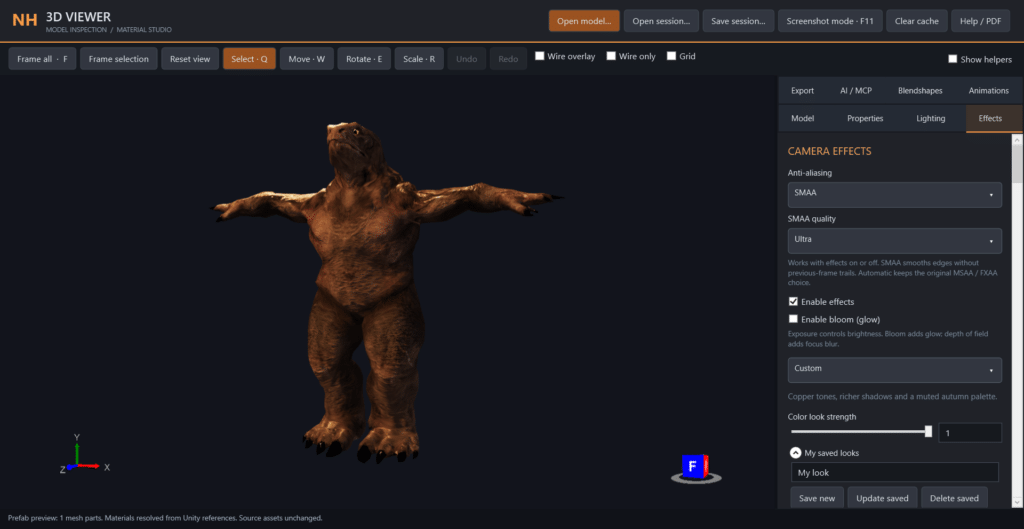
You can change lighting, inspect materials, and try different effects and color presets. Use a simple setup to check an asset, or spend some time getting a shot you want to share.
The viewer includes controls for effects such as bloom, depth of field, ambient occlusion, color grading, and more. There is also a screenshot mode for clean captures.
A workflow for Flax users too
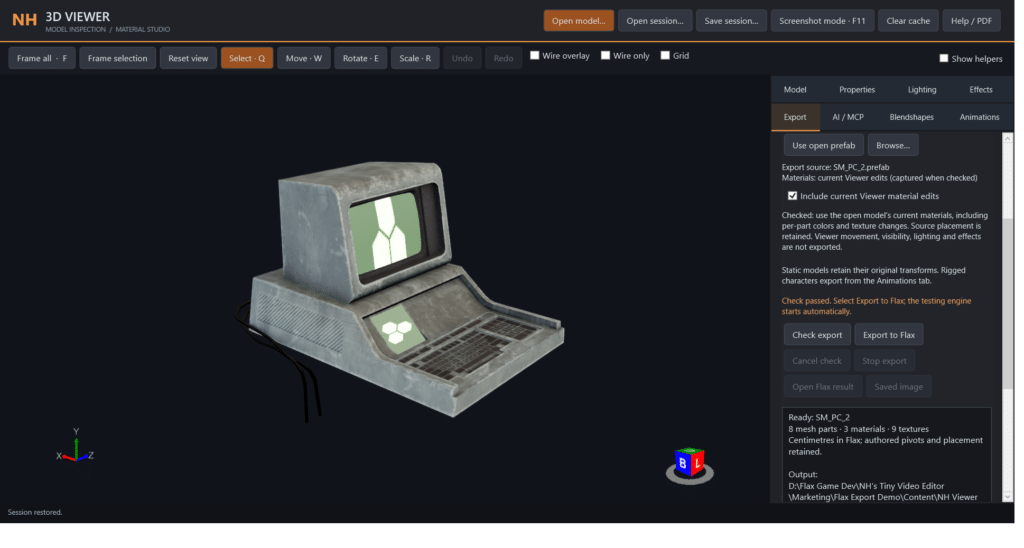
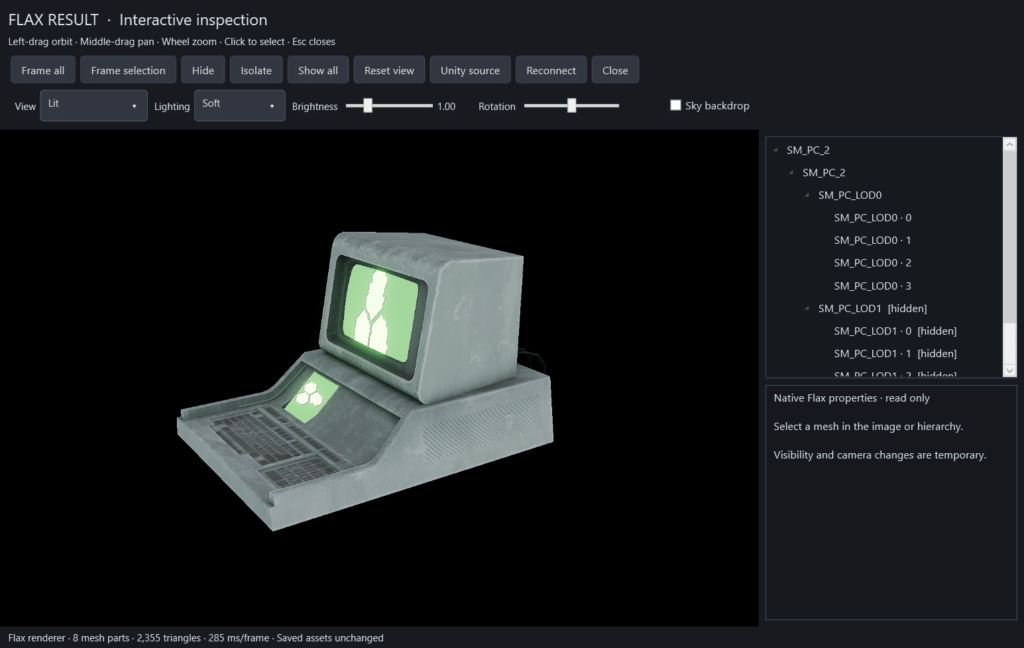
I also wanted to make it easier to bring assets into Flax. The Unity-to-Flax workflow helps convert supported models, materials, textures, and prefabs, with single and batch export options.
That work is still developing alongside the viewer. Complicated shaders and custom Unity behavior can need extra attention, so compatibility testing remains a big part of each update.
Watch it in action
The showcase video uses actual footage from the viewer, including vehicles, creatures, building interiors, character animations, blendshapes, lighting changes, and the export workflow.
Available now on itch.io
NH’s 3D Viewer is for game developers, artists, and anyone with a collection of 3D assets they want to explore more easily.
It is still in early development, and I plan to keep improving it with regular updates, compatibility fixes, and new features. If you try it and find an asset that does not behave correctly, I would like to hear about it.
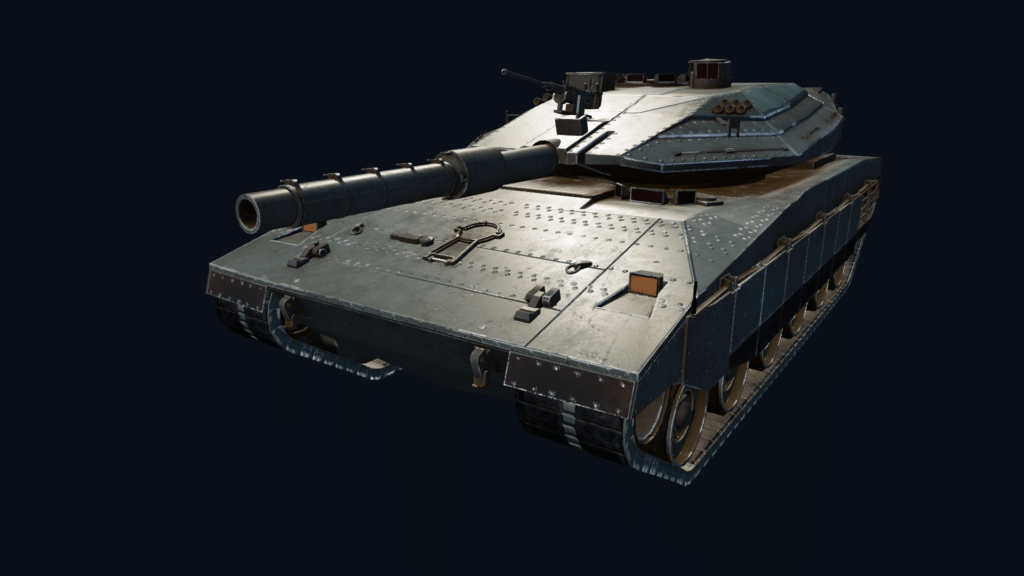
More pics.